








Choosing between MagSafe 3 and USB-C can feel confusing until you match them with how you actually use your MacBook. Some users want fast and safe charging at their desk, while others need one cable for work, travel, and multiple gadgets. This guide breaks down MagSafe 3 vs. USB-C with real world examples so you can decide confidently.
The Evolution Of MacBook Charging
When Apple shifted to USB C in 2015, it was all about versatility. One port could charge, transfer data, and connect displays. Years later, MagSafe 3 returned to newer MacBook models to bring back faster dedicated charging with the familiar magnetic snap.
This comeback was not just nostalgia. It solved common issues like accidental cable pulls and slower high wattage charging needs for power users.
Design And Everyday Convenience
Magnetic Ease With MagSafe 3
MagSafe 3 feels instantly familiar. The magnetic connector snaps into place, which means no fumbling to align the plug. If someone trips on the cable, it detaches safely instead of dragging your laptop to the floor.
Another subtle touch is the LED indicator. A quick glance tells you if the MacBook is charging or already full, saving those constant lid checks during busy workdays.
Universal Simplicity With USB-C
A USB-C cable is straightforward and works on almost everything. Phones, tablets, laptops, and even accessories can share the same cable. This universality makes it perfect for minimal setups where you want fewer wires in your bag.
However, repeated plugging and unplugging can slowly wear the port if handled roughly. That tradeoff often shows up after long-term heavy use.
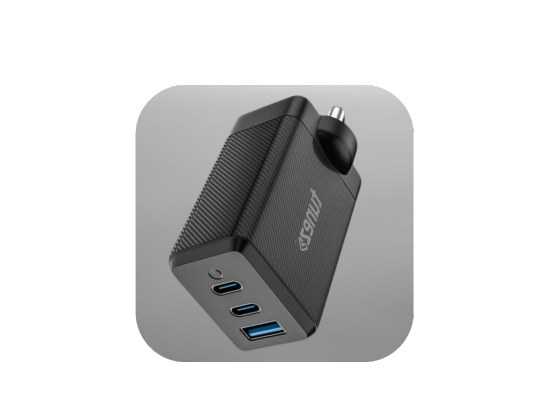
Shop mobile chargers offering fast performance compact design and durable quality so you never have to worry about low battery again.
Functionality And Versatility In Daily Use
Dedicated Power Delivery With MagSafe 3
MagSafe 3 is purpose-built for MacBook charging. Because it focuses only on power delivery, the connection is optimized for stable and efficient charging every single time.
For professionals who work long hours at a desk, this reliability feels reassuring. You plug in once and forget about it, knowing the cable will not accidentally disconnect.
Multi-Purpose Flexibility With USB-C
The USB-C cable shines when you want more than just charging. It can handle data transfer, connect external displays, and power multiple types of devices without switching cables.
Imagine editing videos on an external drive while powering your MacBook and mirroring to a monitor. One cable can handle all of that, which is why many creators prefer USB-C setups.
Shop car chargers for fast power delivery safe charging and convenient portability making them essential for your everyday driving needs.
Device Compatibility Across Ecosystems
Limited But Optimized With MagSafe 3
MagSafe 3 works only with select newer MacBook Air and MacBook Pro models. That exclusivity ensures a highly optimized charging experience, but it does limit usage if you carry other devices.
For users who own only a MacBook and want the safest charging method, this focused compatibility is actually an advantage.
Broad Support With USB-C
A single USB-C cable can charge smartphones, tablets, wireless earbuds, and laptops from multiple brands. This makes it the ideal travel companion when you want to reduce cable clutter in your backpack.
If you often switch between office work, gaming, and mobile devices, USB C naturally fits into that flexible lifestyle.
Shop data cables for high speed transfer long lasting durability and consistent charging performance to keep your devices running efficiently.
Charging Speed And Real World Performance
Faster High-Wattage Charging With MagSafe 3
MagSafe 3 supports up to 140W charging on compatible MacBook Pro models. That means you can quickly top up your battery during short breaks and get back to work without long waiting times.
This speed advantage is especially noticeable for heavy users running design software, video editing tools, or multiple apps simultaneously.
Balanced Power And Data With USB-C
USB-C charging generally reaches up to 100W for most MacBooks. While slightly slower at peak wattage, it compensates by offering high speed data transfer and display connectivity in the same cable.
For many users, that balance between charging and productivity tools is more practical than raw charging speed alone.
Shop power banks with long lasting charge compact size and multiple ports allowing you to power up several devices with complete ease.
Durability And Safety Over Time
Protective Detach Feature Of MagSafe 3
The magnetic release of MagSafe 3 protects both the cable and the laptop port. Accidental tugs do not cause sudden damage, which increases the overall lifespan of your charging setup.
This safety aspect is one reason long-time MacBook users were happy to see MagSafe return.
Build Quality Matters for USB-C
Durability with USB-C depends heavily on cable quality. A strong MagSafe3 cable and USB-C cable comparison often shows that premium braided USB C cables can last years if handled carefully.
Still, since USB-C relies on a firm physical connection, repeated stress can slowly affect the port if not used gently.
Shop smart watches that offer health monitoring fitness tracking and seamless connectivity making them a must have gadget for daily use.
Real World Example For Choosing The Right Cable
Consider two users. A video editor working daily at a desk values quick charging and a secure magnetic connection, so MagSafe 3 fits perfectly. A frequent traveler who charges a phone, tablet, and laptop from one power bank will find USB C far more convenient.
Your routine, not just specifications, should guide the final choice.
Which One Should You Choose?
MagSafe 3 vs. USB-C is not about which is better overall, but which suits your lifestyle. MagSafe 3 offers fast, safe, and dedicated charging tailored for MacBook users who want reliability and convenience.
USB-C delivers unmatched versatility with one cable handling charging, data, and display output. If you prefer minimal gear and multi-device compatibility, it becomes the smarter everyday option.
For many users, the ideal solution is owning both. Use a MagSafe3 cable at your desk for secure fast charging, and carry a USB-C cable when traveling to power all your devices effortlessly.
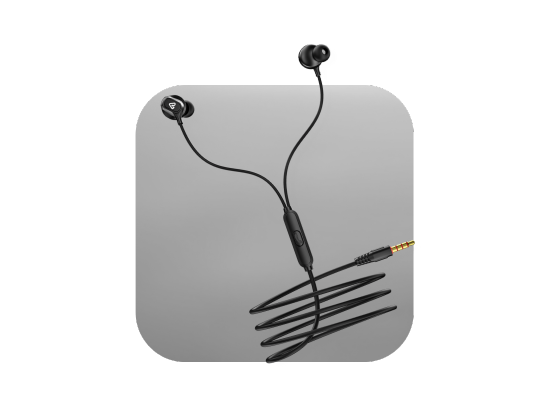
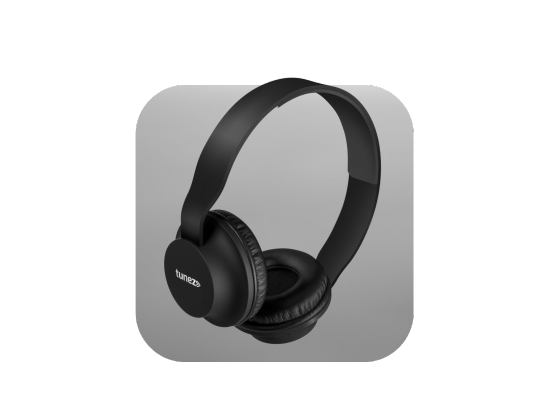
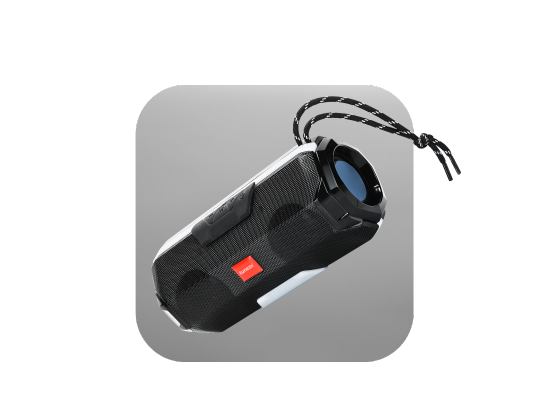
Shop Bluetooth speakers and unlock immersive audio lightweight portability and reliable performance for music calls and parties at any moment.
FAQs About MagSafe 3 and USB-C
1. Is MagSafe 3 faster than USB-C for MacBook charging?
Yes, MagSafe 3 can deliver higher wattage on supported MacBook Pro models for quicker top-ups. USB-C is slightly slower but adds data and display support.
2. Which is safer MagSafe3 cable or the USB-C cable?
MagSafe 3 is safer during accidental pulls because the magnetic connector detaches instantly. USB-C stays locked in and may stress the port if yanked.
3. Can I use a USB-C cable for all my devices?
A USB-C cable works with laptops, phones, tablets, and accessories that support USB-C charging. It is ideal for users who prefer one cable for everything.
4. Do all MacBooks support the MagSafe 3 cable?
No, only select newer MacBook Air and MacBook Pro models include MagSafe 3 ports. Older models rely entirely on USB-C charging.
5. Should I carry both the MagSafe3 cable and the USB-C cable?
Yes, using a MagSafe3 cable at your desk and a USB C cable while traveling offers the best mix of speed safety and versatility.

