





Buying a smartwatch is exciting, but the real experience begins only after it is connected to your phone. Whether you use Android or iPhone, pairing your smartwatch correctly ensures notifications, fitness tracking, and calls work smoothly.
If you are setting up your watch for the first time or reconnecting it to a new phone, this guide will walk you through the process in a clear and stress-free way.
Things To Do Before Pairing Your Smartwatch
A little preparation makes the setup faster and avoids common errors.
- Charge both your phone and smartwatch above 50 percent.
- Keep both devices close to each other.
- Use a stable internet connection for app downloads.
Once these basics are ready, you can start pairing.
Steps To Connecting a Smartwatch To a Phone
Enable Bluetooth On Your Phone
Power On Your Smartwatch
Download The Companion App
- Wear OS by Google
- Samsung Galaxy Wearable
- Apple Watch app
- Huawei Health
Start Pairing From The App
Select Your Smartwatch Model
Confirm The Pairing Code
Grant Required Permissions
Steps To Connect a Smartwatch To Your Android Phone
Android users usually experience a smooth setup process.
- Install the brand companion app.
- Open the app and tap Add Device.
- Select your smartwatch and confirm pairing.
Once paired, your smartwatch will automatically sync notifications, fitness data, and app alerts.
How To Pair a Smartwatch With Samsung Galaxy Phones
Samsung smartwatches are optimized for use with Galaxy phones.
- Install the Galaxy Wearable app.
- Open the app and tap Start Pairing.
- Confirm pairing on both devices.
You can then customize watch faces, notifications, and health settings easily.
How To Connect a Smartwatch To Huawei Phones
Huawei devices require the Huawei Health app for pairing.
- Download Huawei Health from the app store.
- Open the app and go to Devices.
- Tap Add Device and choose your watch.
Buy data cables that deliver safe charging efficient syncing and long lasting quality ensuring your devices stay ready and reliable always.
Common Problems While Connecting a Smartwatch
Sometimes, pairing does not work on the first try. These quick fixes usually help.
Restart Both Devices
A simple restart often resolves Bluetooth and app-related issues.
Check Existing Connections
Make sure the smartwatch is not already paired with another phone.
Enable Location and Permissions
Some apps require location access for Bluetooth scanning to work properly.
Reset and Re-Pair
If nothing works, reset the smartwatch and repeat the pairing steps from scratch.
Pairing Experience of Fitness Band and Smart Watch
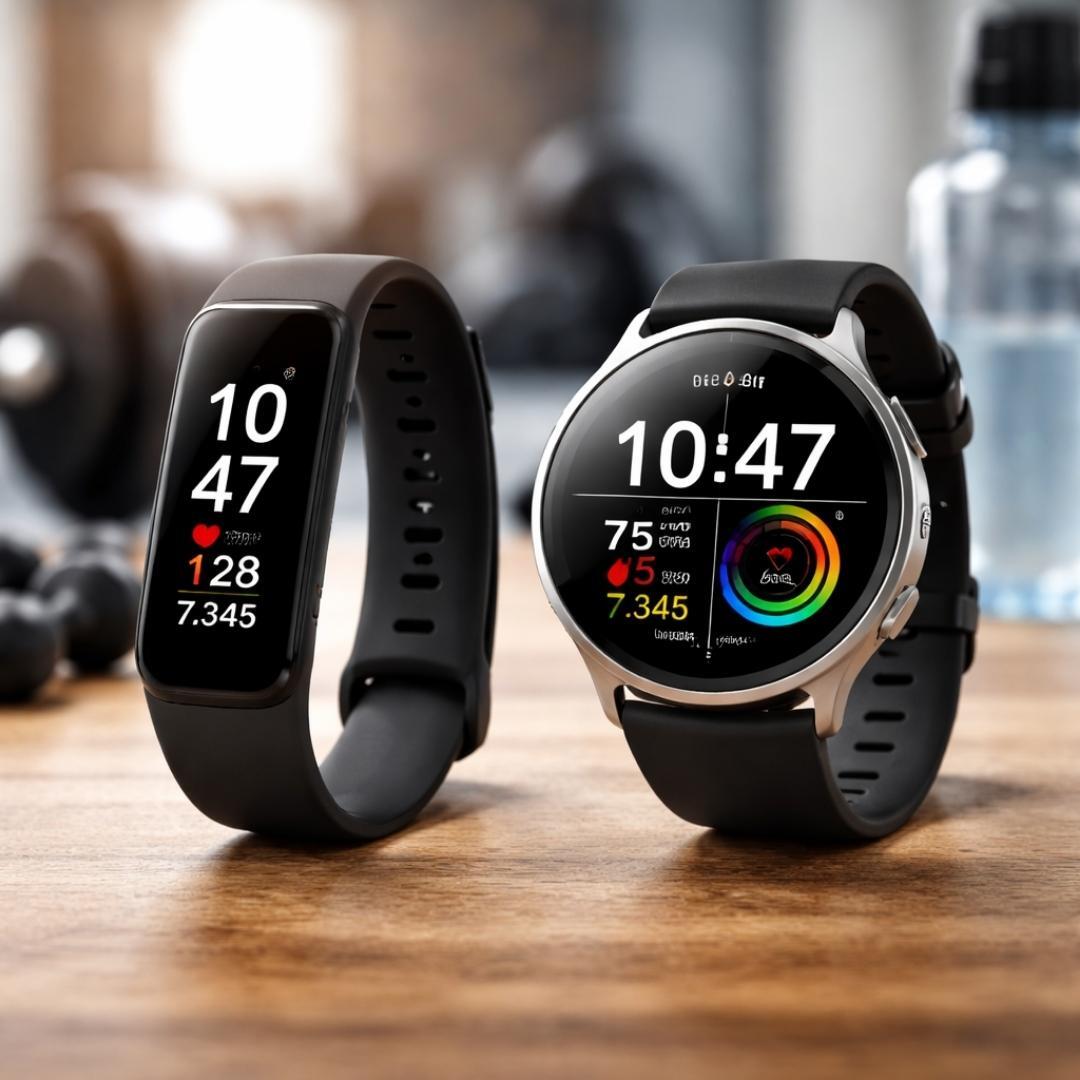
The pairing process also highlights the difference between a fitness band and a smart watch. Smartwatches need full apps and permissions, while fitness bands usually pair faster with simpler apps.
Understanding this helps users choose between a fitness band and a smart watch based on ease of use and features.
Conclusion
Connecting a smartwatch to your phone is simple when done the right way. Using the official app, confirming permissions, and following the guided steps ensures a smooth experience.
Once connected, your smartwatch becomes a powerful daily companion that keeps you informed, active, and organized.
Shop mobile chargers offering fast performance compact design and durable quality so you never have to worry about low battery again.
FAQs About Connecting a Smartwatch to a Phone
1. How Do I Connect a Smartwatch To a Phone For The First Time?
Turn on Bluetooth, install the companion app, and follow pairing steps. Confirm the code to finish setup.
2. Why Is My Smartwatch Not Connecting To my Phone?
This usually happens due to Bluetooth issues or missing permissions. Restart both devices and try again.
3. Is The Pairing Process Different For a Fitness Band and a Smart Watch?
Yes, smartwatches require full apps and permissions. Fitness bands usually pair faster with basic apps.
4. Can I Connect One Smartwatch To Multiple Phones?
Most smartwatches support only one phone at a time. You must reset it before pairing with another phone.
5. Does Battery Level Affect Smartwatch Pairing?
Yes, a low battery can interrupt pairing. Always charge both devices before starting the setup.