





True wireless earbuds have become an essential part of daily life, whether for listening to music, attending calls, or enjoying podcasts on the go. However, battery performance can decline over time, leaving you without power when you need it most. This guide explores practical ways to extend battery life on true wireless earbuds and maximize your listening experience.
Lower the Volume for Longer Playback
High volume drains battery faster. By keeping your earbuds at moderate levels, you not only preserve battery life but also protect your hearing. Adjusting the volume is one of the simplest ways to improve earbud battery performance.
Turn Off Extra Features When Not Needed
Features like active noise cancellation (ANC), transparency mode, and voice assistants enhance usability but consume extra power. Disable these functions when unnecessary to conserve battery. You can reactivate them anytime you need enhanced sound or noise reduction.
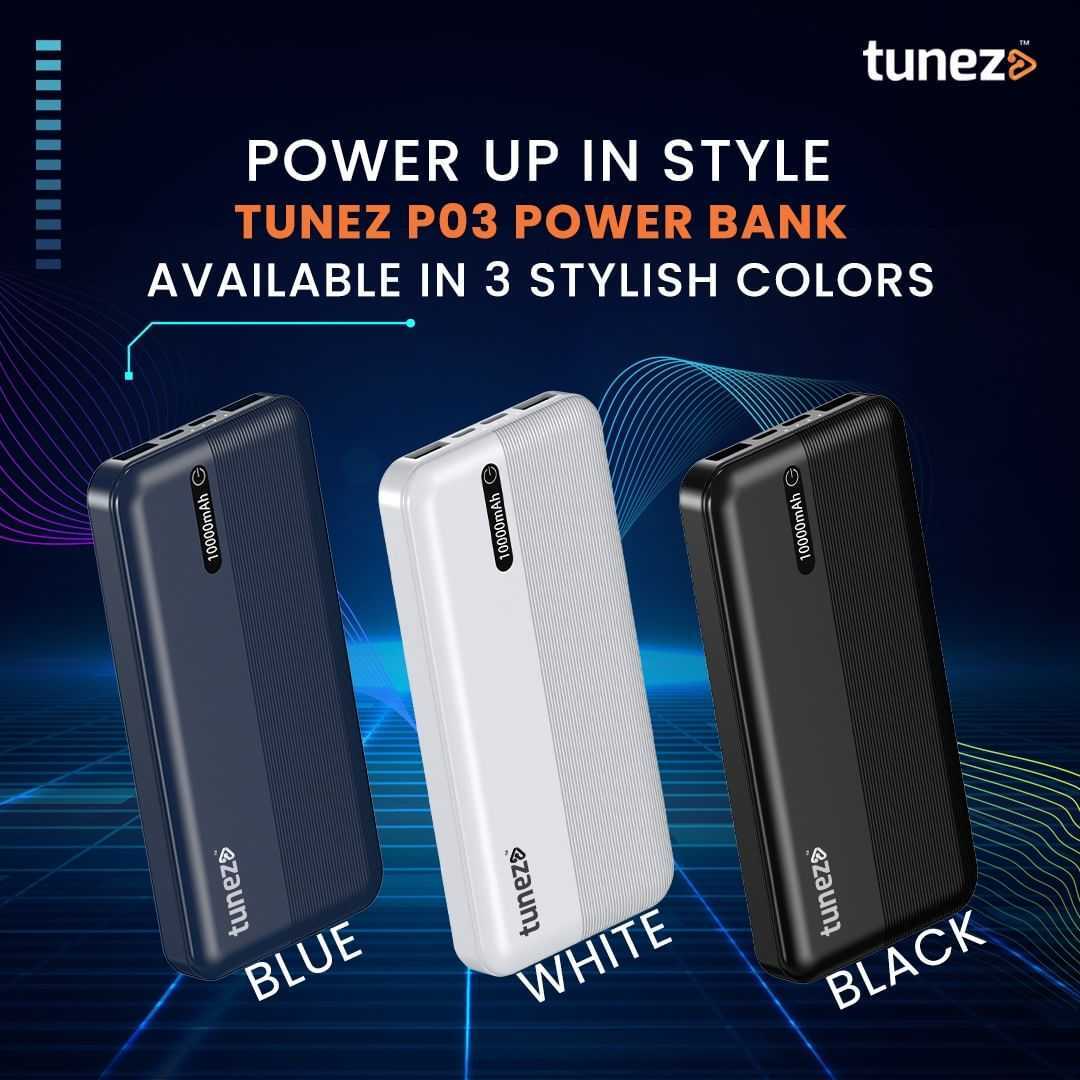
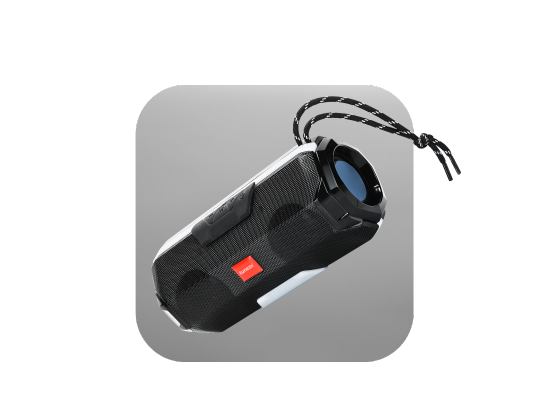
Buy Bluetooth speakers that combine wireless convenience with rich sound and durable build perfect for travel parties and everyday use wherever you are.
Use One Earbud at a Time
If stereo sound isn’t required, try using one earbud while the other rests in the charging case. This strategy effectively doubles your listening time and is particularly useful for calls or casual listening.
Keep Your Earbuds Clean
Dirt and debris around earbuds, especially on charging contacts, can cause inefficient charging or connectivity issues. Regular cleaning ensures a stable Bluetooth connection and optimal charging efficiency, keeping true wireless earbuds performing at their best.
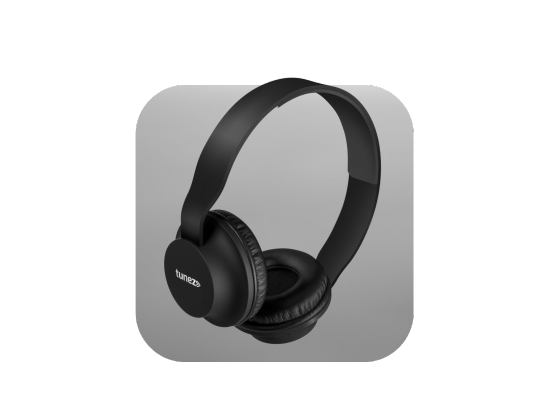
Shop wireless headphones with quick charging extended playtime and balanced sound designed for professionals gamers and everyday listeners alike.
Store in the Case When Not in Use
Leaving earbuds outside their charging case leads to continuous power drain. Always store them in the case to maintain battery levels and protect the earbuds from dust, moisture, and accidental damage.
Avoid Extreme Temperatures
Extreme heat or cold can harm battery health. Keep your earbuds at room temperature to prevent premature battery wear and ensure longer-lasting performance.
Update Firmware Regularly
Manufacturers release firmware updates to optimize performance and improve battery efficiency. Ensure your true wireless earbuds are up to date to benefit from enhanced battery management and bug fixes.
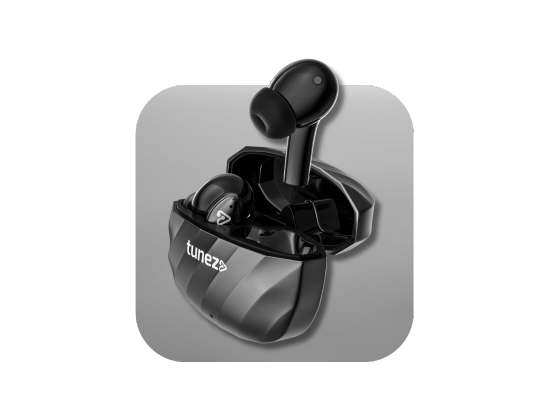
Buy true wireless earbuds that combine long battery life quick pairing and stylish design so you enjoy nonstop entertainment with no wires holding you back.
Charge Smartly
Avoid overcharging by unplugging your earbuds once fully charged. Similarly, don’t let the battery drain completely too often, as both practices help prolong battery lifespan and maintain optimal earbud performance.
Turn Off Bluetooth When Not in Use
Even when idle, connected earbuds continue to draw power. Disconnecting or turning off Bluetooth when not using your earbuds helps conserve battery and ensures they’re ready for your next listening session.
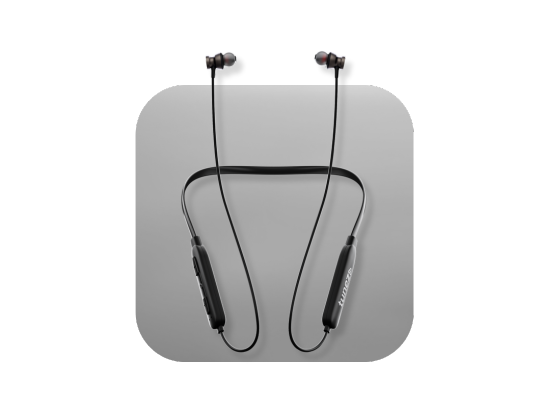
Buy wireless neckbands for seamless audio performance combining clear sound deep bass and long battery life for an all day listening experience you will love.
Choose Earbuds with Great Battery Life
Starting with earbuds designed for long battery life is the easiest solution. Tunez True Wireless Earbuds offer extended playtime, optimized performance, and features like sweat resistance and noise cancellation without compromising battery efficiency.
Conclusion
Maintaining your true wireless earbuds' battery is simple with the right strategies. By lowering volume, turning off unused features, storing earbuds properly, and updating firmware, you can extend battery life and enjoy uninterrupted listening. For a hassle-free experience, consider earbuds built for endurance like Tunez, offering long-lasting battery performance and superior sound.
Buy high-quality true wireless earbuds today and enjoy music, calls, and entertainment without worrying about running out of battery.
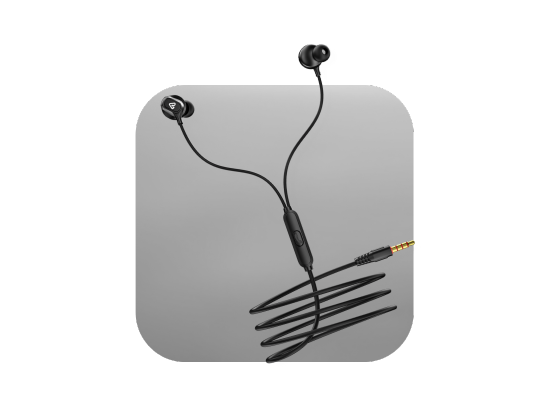
Get wired earphones under 500 that are compact reliable and crafted for non stop entertainment bringing you value performance and comfort in one.