



Walk into any modern office, and you will notice one thing instantly. Productivity today is powered by the right digital tools. From virtual meetings to multitasking across devices, a well-equipped desk makes daily work smoother and less stressful.
The right setup is not about luxury. It is about comfort, focus, and efficiency. Choosing the right Digital Accessories at the Workplace helps you stay organized, reduce distractions, and perform better throughout long working hours.
Why Digital Accessories Matter In Modern Workspaces
Work has become more flexible and device-driven. Employees switch between laptops, phones, video calls, and documents multiple times a day. Without supportive accessories, this constant switching can lead to fatigue and clutter.
Thoughtfully selected Digital Accessories create a workspace that feels seamless. They reduce strain, improve posture, and ensure every device stays connected and powered.
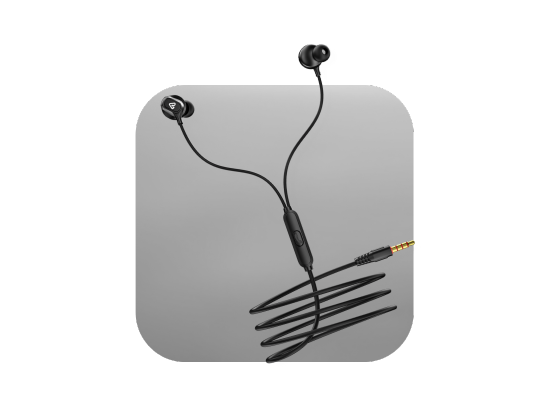
Buy wired earphones under 500 today and feel the difference in high quality sound design and comfort made to suit your everyday listening needs easily.
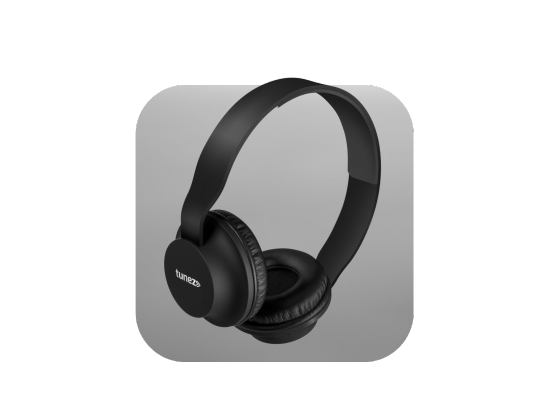
1. Noise-Canceling Headphones For Better Focus
Block distractions and stay productive
Open offices and home workspaces often come with background noise. Noise-canceling headphones help you stay immersed in tasks, even in busy environments.
They are ideal for:
- Deep focus during work sessions
- Clear audio during virtual meetings
- Listening to training videos without interruptions
Once you experience distraction-free work, it quickly becomes an everyday essential.
2. Ergonomic Mouse And Laptop Stand For Comfort
Support posture and reduce fatigue
Long hours at a desk can strain your wrists, neck, and back. Ergonomic accessories are designed to support natural posture and prevent discomfort over time.
Key benefits include:
- Reduced wrist strain with an ergonomic mouse
- Improved eye level alignment using a laptop stand
- Better posture during extended work hours
These small adjustments significantly improve daily comfort and long-term health.
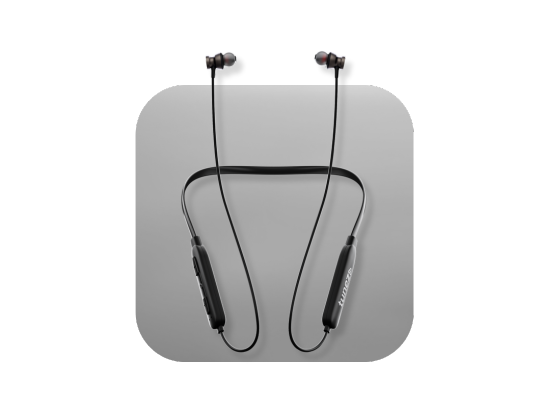
Buy wireless neckbands and unlock superior performance stylish fit and extended playtime that make them the ideal choice for music lovers on the go.
3. USB-C Hub Or Docking Station For Seamless Connectivity
Connect multiple devices effortlessly
Modern professionals often use multiple peripherals such as keyboards, external drives, and monitors. A docking station or USB hub allows everything to connect through a single port.
This makes Digital Accessories at the Workplace more than just add-ons. They become productivity enablers that simplify complex workflows.
Useful for:
- Connecting multiple devices at once
- Transferring files quickly
- Creating a clean and organized desk setup
4. High Quality Webcam For Clear Communication
Improve virtual meetings and presentations
With remote and hybrid work becoming common, video calls are now part of daily communication. A dedicated webcam ensures clearer visuals compared to standard laptop cameras.
It helps with:
- Professional-looking video calls
- Better clarity during client meetings
- More confident virtual presentations
Clear communication builds trust and professionalism in any digital workspace.
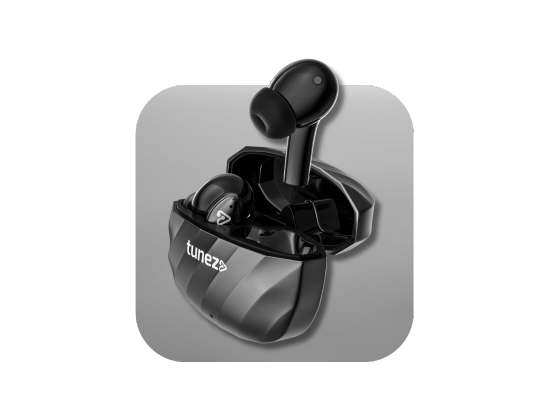
Buy true wireless earbuds and feel the power of freedom with stylish designs balanced audio and compact charging cases to keep you powered up anywhere.
5. Wireless Charger And Power Solutions
Keep devices powered without clutter
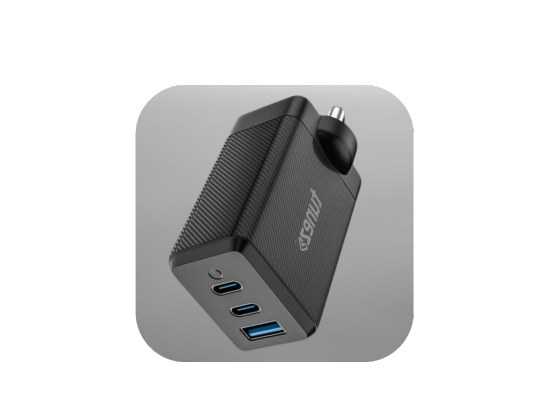
Messy cables and low battery warnings interrupt workflow. Wireless chargers, fast charging adapters, and power strips with surge protection ensure uninterrupted productivity.
Advantages include:
- Cable-free charging for phones and accessories
- Fast top-ups during busy workdays
- Safe power management for multiple devices
These power solutions keep your desk neat while ensuring every gadget stays ready.
6. Cable Management And Desk Organization Tools
Maintain a clean and distraction-free desk
A cluttered workspace often leads to a cluttered mind. Cable clips, organizers, and desk trays help maintain a tidy environment that promotes focus.
Simple additions like these:
- Prevent tangled wires
- Improve desk aesthetics
- Make it easier to find essential devices quickly
An organized desk directly contributes to better workflow efficiency.
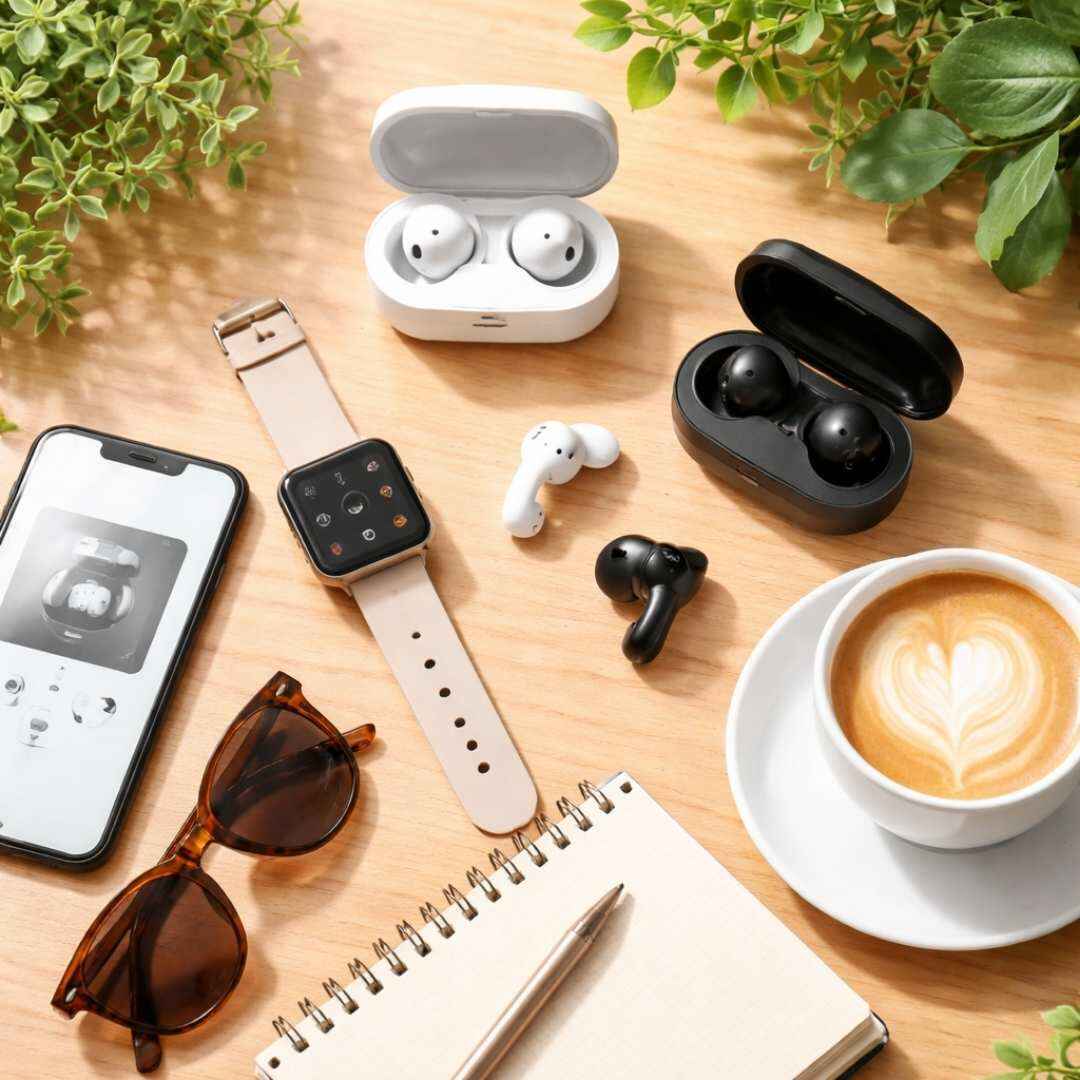
Shop smart watches that offer health monitoring fitness tracking and seamless connectivity making them a must have gadget for daily use.
7. Desk Lighting And Comfort Add-ons
Reduce eye strain during long hours
Working on screens for extended periods can cause eye fatigue. A good desk lamp with adjustable brightness creates a comfortable viewing environment.
Additional comfort boosters include:
- Footrests for proper posture support
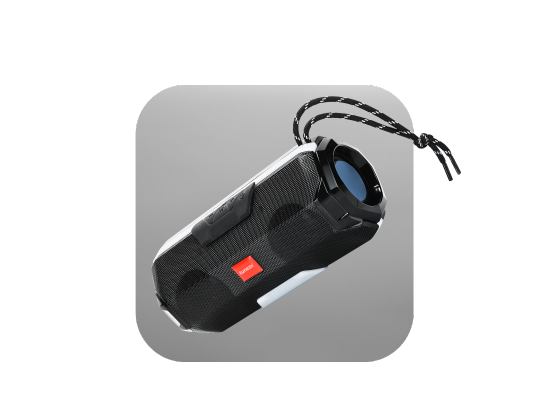
- Bluetooth speakers for light background music
- Adjustable chairs paired with ergonomic accessories
These elements together transform your desk into a productive and comfortable work zone.
Real Life Workspace Example
Imagine starting your day with a clean desk setup. Your laptop connects instantly through a docking station, the ergonomic mouse supports smooth navigation, and noise-cancelling headphones block out office chatter.
During meetings, a high-quality webcam ensures you look professional. Meanwhile, your phone charges wirelessly, and neatly managed cables keep the workspace distraction-free. This cohesive setup shows how the right accessories silently improve every workday.
Get mobile chargers that provide fast safe and consistent charging performance ensuring your smartphones and devices stay fully ready all the time.
How To Choose The Right Accessories
Not every accessory is necessary for every role. Your choice should depend on how you work daily and which tools you use most often.
Consider:
- Do you attend frequent video calls
- Do you work long hours at a desk
- Do you connect multiple devices regularly
Selecting the right Digital Accessories based on your routine ensures maximum value and productivity.
Conclusion
A productive workspace is not built overnight. It evolves with the right tools that support focus, comfort, and seamless connectivity. From ergonomic setups to smart charging solutions, these accessories enhance both efficiency and well-being.
Investing in must have digital accessories at the workplace is a smart step toward a more organized, comfortable, and high performing work environment. When your tools work smoothly, your mind can focus on what truly matters.
Shop data cables for high speed transfer long lasting durability and consistent charging performance to keep your devices running efficiently.