




A USB-C to Lightning cable for iPhone connects an iPhone with a Lightning port to a USB-C charger, computer, or other compatible device. It is commonly used for charging, data syncing, and connecting older Lightning-equipped Apple devices to newer USB-C accessories.
The important point is that the cable alone does not determine charging speed. Your iPhone model, USB-C power adapter, cable capability, and charging standard all affect the final result.
What Is a USB-C to Lightning Cable?
A USB-C to Lightning cable has two different connectors:
- USB-C connector: Connects to compatible chargers, laptops, power banks, and other USB-C devices.
- Lightning connector: Plugs into compatible iPhones and other Apple devices with a Lightning port.
This makes the cable useful when you have a modern USB-C power adapter but an iPhone that still uses a Lightning port.
Does USB-C to Lightning Support Fast Charging?
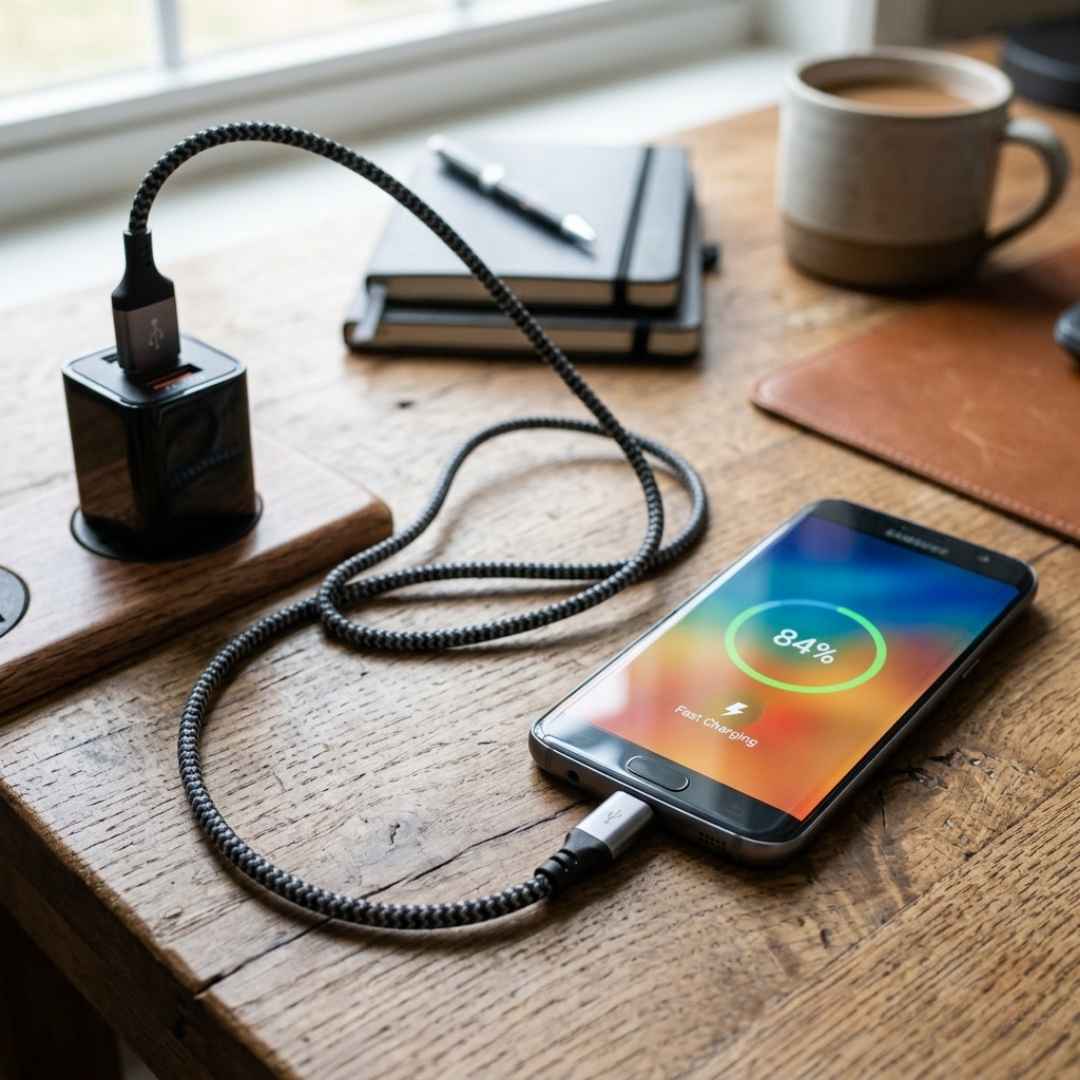
Yes, a compatible USB-C to Lightning cable can support fast charging on iPhone models that support it when paired with a suitable USB-C power adapter.
Apple’s fast charging setup generally uses a USB-C power adapter and a compatible USB-C to Lightning cable for supported Lightning iPhone models. The actual charging speed depends on the iPhone and charger rather than the cable alone.
For this reason, check all three components before expecting faster charging:
- Your iPhone’s charging capability
- The USB-C power adapter’s output and charging protocol
- The cable’s specifications and compatibility
USB-C to Lightning vs USB-A to Lightning
Both cable types use a Lightning connector for the iPhone, but the charger-side connector is different.
| Cable Type | Charger-Side Connector | Typical Use |
| USB-A to Lightning | USB-A | Older chargers, computers and accessories |
| USB-C to Lightning | USB-C | Modern USB-C chargers, laptops and power banks |
| USB-C to USB-C | USB-C | Devices with a USB-C charging port |
A USB-C to Lightning cable is particularly useful if your existing charger has a USB-C port.
USB-C to Lightning vs USB-C to USB-C
These cables are not interchangeable for every iPhone.
A USB-C to Lightning cable is intended for devices with a Lightning port. A USB-C to USB-C cable is designed for devices that have a USB-C port.
Therefore, check the physical charging port on your iPhone before purchasing a cable. Newer iPhone models with USB-C ports require a USB-C cable rather than a Lightning connector.
What to Check Before Buying a USB-C to Lightning Cable
1. Device Compatibility
Confirm that your iPhone has a Lightning port. Also check that the USB-C end is compatible with your charger, laptop, or power bank.
2. Certification and Quality
Choose a cable from a reputable manufacturer and check for appropriate certification or compliance information where applicable. Quality construction can also reduce problems such as loose connectors and premature cable failure.
3. Fast Charging Compatibility
If fast charging is important, verify that the cable is designed to work with a compatible USB-C power adapter and your particular iPhone model.
Buying a high-wattage charger does not automatically make every iPhone charge at the same speed.
4. Data Transfer Capability
Some cables are intended primarily for charging. If you need to transfer photos, files, or other data between your iPhone and a computer, confirm that the cable supports data syncing.
5. Build Quality and Length
Consider reinforced connectors, flexible construction, and a suitable cable length.
- Short cables: Convenient for travel and power banks
- Standard-length cables: Useful for desks and everyday charging
- Long cables: Convenient when the power source is farther away
Common USB-C to Lightning Cable Problems
Even a compatible cable can develop problems over time.
iPhone charges slowly: Check the power adapter, cable condition, and whether the charger supports the required charging standard.
Charging keeps disconnecting: Inspect the connectors for damage or debris and try another compatible charger.
Data transfer does not work: The cable may not support data syncing, or the issue may be related to the computer, port, or device settings.
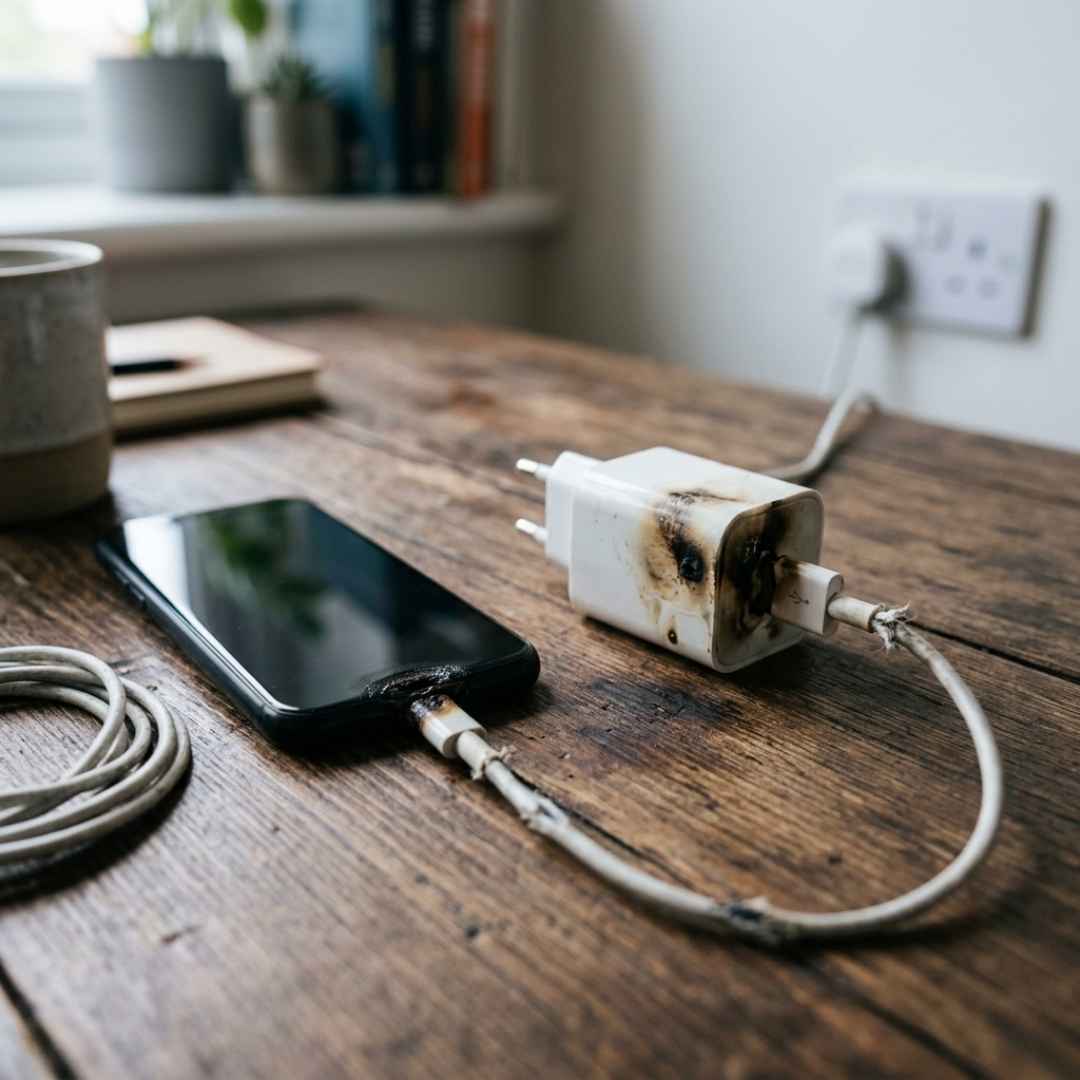
Cable becomes hot: Some warmth during charging can be normal, but excessive heat should not be ignored. Stop using a damaged cable or connector and check the charger and cable for faults.
How to Extend the Life of Your Charging Cable
Proper handling can reduce unnecessary wear.
- Pull the connector instead of the cable when unplugging.
- Avoid sharp bends near the connector.
- Do not tightly coil the cable.
- Keep the cable away from excessive heat and moisture.
- Replace cables showing exposed wires, damaged connectors, or other visible signs of wear.
Is a USB-C to Lightning Cable Still Useful?
Yes, it remains useful for iPhones and other Apple devices that use a Lightning port. It is particularly practical for users who already own USB-C chargers, laptops, power banks, or other modern accessories.
However, if your device has a USB-C charging port, a USB-C to USB-C cable is the appropriate cable type.
Conclusion
A USB-C to Lightning cable is a practical choice for compatible iPhones because it connects a Lightning charging port to the increasingly common USB-C ecosystem.
For the best experience, look beyond the connector type. Check iPhone compatibility, charging support, data transfer capability, cable quality, and the specifications of your power adapter. Choosing the cable based on your complete charging setup can help you avoid slow charging, connection problems, and unnecessary replacements.