









Ever noticed your phone getting unusually hot while watching videos, gaming, or even just scrolling? It’s frustrating, and sometimes even worrying. A warm phone might seem normal, but frequent overheating can slow down performance, drain your battery, and even damage internal components.
The good part is that you don’t need technical knowledge to fix it. If you have been wondering how to stop phone from overheating, these simple, practical tips will help you keep your device cool and working efficiently.
If your phone is overheating, remove the case, stop charging, and move it to a cool place. Close heavy apps, reduce brightness, and turn off features like GPS or hotspot to cool it down quickly.
Why Phones Overheat So Easily
Before jumping into solutions, it’s important to understand the cause. Phones heat up when the processor and battery are under pressure.
Phone overheating happens when your device’s processor or battery works harder than usual, generating excess heat.
Common triggers include:
- Heavy apps like gaming or video streaming
- Charging while using the phone
- Exposure to direct sunlight
- Weak network signals
- Too many background apps running
Knowing this helps you prevent the problem before it starts.
10 Easy Ways To Stop Your Phone From Overheating Fast
1. Avoid Direct Sunlight
Sunlight is one of the fastest ways to heat up your phone.
Even a few minutes on a car dashboard can spike the temperature.
Keep your phone in the shade or inside a bag when outdoors.
2. Lower Screen Brightness
Your display consumes a lot of power.
Reducing brightness lowers battery usage and heat instantly.
You can also enable auto brightness for better control.
3. Close Unused Background Apps
Apps running in the background still use CPU and battery.
Closing them reduces workload and helps cool your device.
This is one of the simplest phone overheating solutions in daily use.
4. Turn Off Unnecessary Features
Features like Bluetooth, GPS, and WiFi keep searching for signals.
This constant activity increases internal heat.
Turn them off when not needed to reduce strain.
5. Don’t Use Your Phone While Charging
Charging already generates heat.
Using your phone at the same time doubles the load.
If you want to avoid phone overheating, let it charge without usage.
6. Use Original Or Certified Chargers
Cheap chargers can cause unstable power flow.
This leads to overheating and long-term battery damage.
Always use trusted or certified accessories.
7. Remove The Phone Case When Hot
Thick cases trap heat and block airflow.
Removing the case helps your phone cool down faster.
8. Limit Heavy Activities
Gaming, streaming, and video recording push your phone to its limits.
Take breaks to prevent overheating.
9. Keep Software Updated
Updates fix bugs and improve performance.
Sometimes, overheating is caused by apps stuck in loops.
Keeping your device updated ensures smoother operation.
10. Use Airplane Mode In Low Signal Areas
In weak signal areas, your phone works harder to stay connected.
This increases the heat significantly.
Switching to airplane mode helps cool down your phone fast.
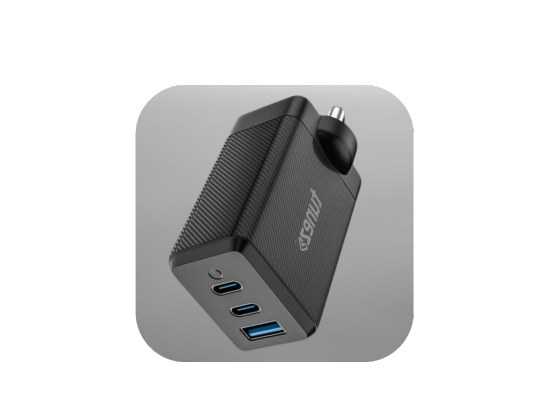
Shop mobile chargers offering fast performance compact design and durable quality so you never have to worry about low battery again.
How To Cool Down Your Phone Quickly
If your phone is already hot, don’t panic. Follow these safe steps:
- Turn off the device for a few minutes
- Remove the case immediately
- Place it on a cool surface like tile or glass
- Stop charging right away
- Use a fan or airflow to speed up cooling
Avoid putting your phone in a fridge or freezer, as sudden temperature changes can damage internal components.
Long-Term Benefits Of Preventing Overheating
Keeping your phone cool is not just about comfort. It directly affects performance and lifespan.
- Better battery health
- Faster performance
- Fewer app crashes
- Longer device life
Small habits today can prevent major issues later.
Conclusion
Overheating is a common issue, but it’s also one of the easiest to fix. By making a few smart changes in how you use and charge your phone, you can keep it running smoothly every day.
Now that you know how to stop phone from overheating, start applying these tips in your routine. A cooler phone means better performance, longer battery life, and a device that lasts for years.
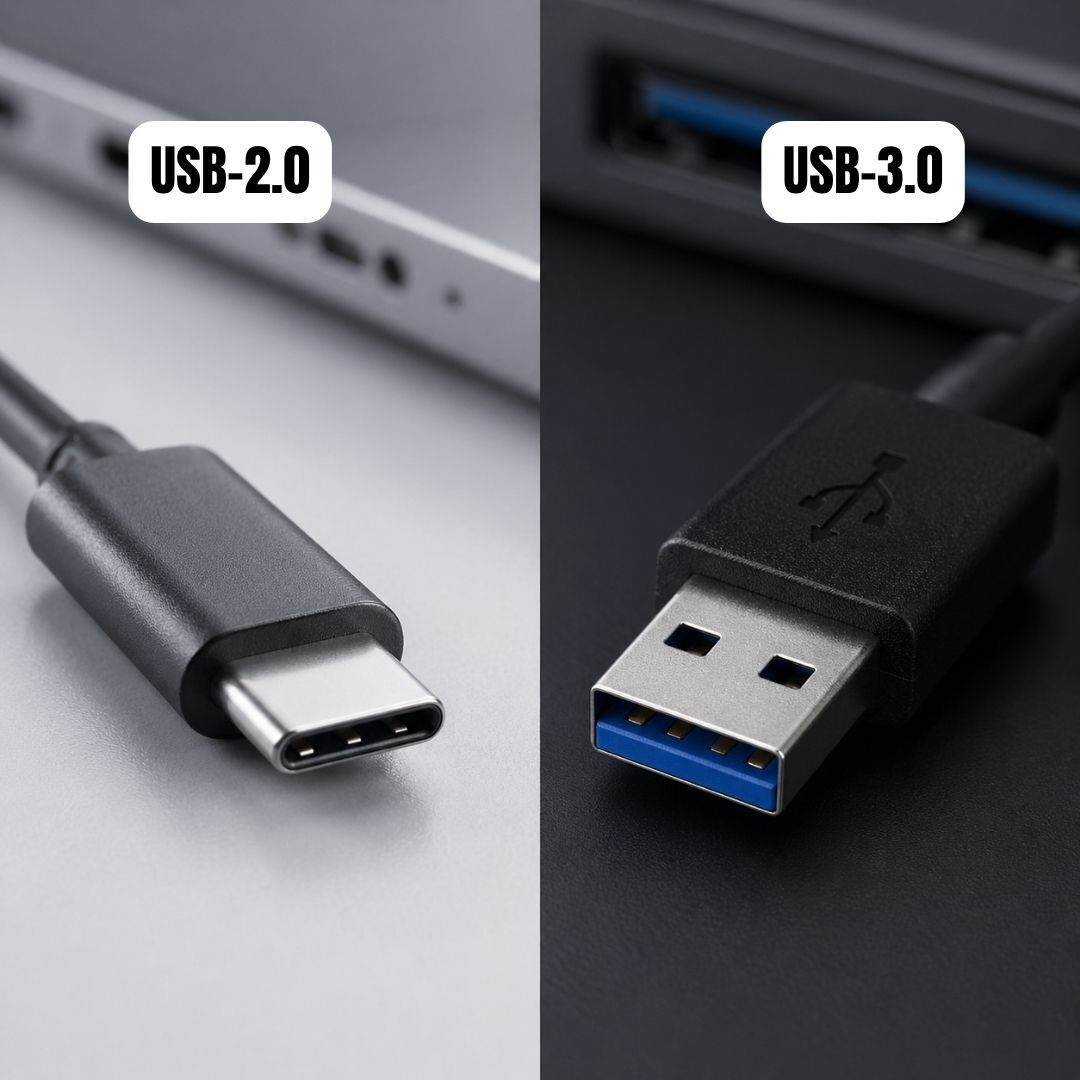
Buy data cables that deliver safe charging efficient syncing and long lasting quality ensuring your devices stay ready and reliable always.
FAQs About How To Stop Phone From Overheating
1. How to stop your phone from overheating quickly?
Turn off the phone, remove the case, and place it in a cool area. Avoid charging or using it until the temperature drops.
2. How to prevent a phone from overheating in daily use?
Reduce brightness, close unused apps, and avoid heavy usage for long periods. Keeping your phone updated also improves efficiency.
3. How to stop phone overheating while charging?
Do not use your phone while charging and keep it on a hard surface. Always use a certified charger for stable power flow.
4. How to avoid phone overheating during gaming?
Limit gaming sessions and close background apps before playing. Lower graphics settings to reduce processor load.
5. What is the main reason for phone overheating?
Heavy processor usage, charging habits, and external heat are the main causes. Managing these factors helps keep your phone cool.
6. What Happens If You Keep Your Phone Charging After 100%?
When your phone reaches 100 percent, it stops charging and only tops up when the battery drops slightly.
This cycle, known as trickle charging, can create minor heat over time but is generally safe in modern smartphones.
7. What is the 80/20 Rule Of Charging?
The 80 20 rule means keeping your battery between 20 percent and 80 percent instead of charging it fully every time.
This reduces battery stress and helps extend long-term battery health.
8. What Is The Healthiest Way To Charge A Phone Battery?
The best way is to charge in short bursts instead of full cycles.
Keeping the battery between 20 and 80 percent and avoiding heat helps maintain performance.
9. What Kills Phone Battery Health The Fastest?
Excess heat is the biggest factor that damages battery health.
Using cheap chargers, overusing heavy apps, and keeping the phone at 100 percent for long periods also contribute.
10. What Are The Three Mistakes When Charging Your Phone?
Charging on soft surfaces, using low-quality chargers, and using the phone while charging are common mistakes.
These habits increase heat and reduce battery lifespan over time.
11. Can I Charge My Phone Multiple Times A Day?
Yes, charging your phone multiple times a day is safe for modern batteries.
Frequent small charges are actually better than letting the battery drop to zero.
12. How To Make a 10 Percent Battery Last Longer?
Reduce brightness, turn on battery saver mode, and close background apps.
Limiting usage and disabling extra features helps extend battery life.