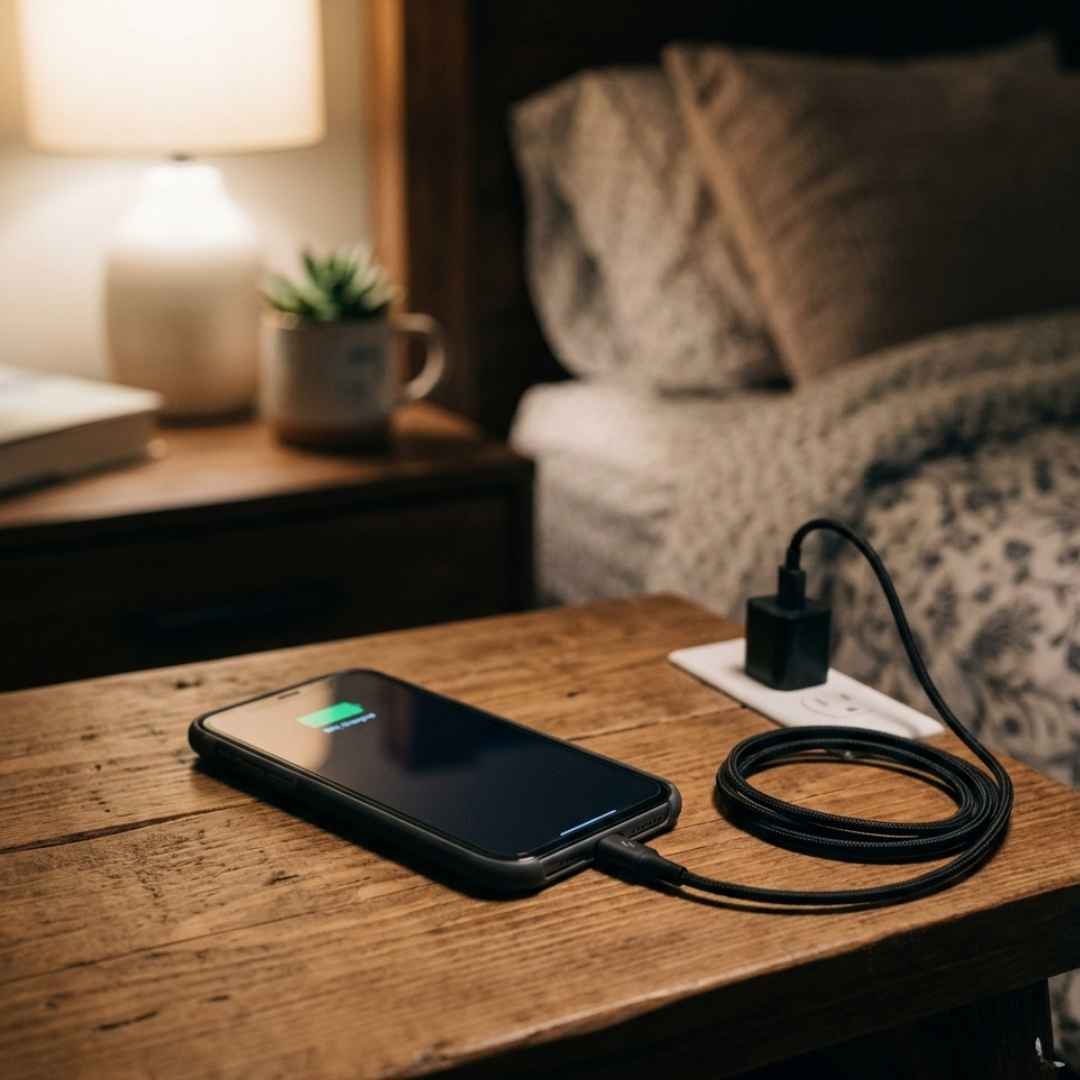






You buy a new cable expecting faster charging or quick file transfers, but nothing changes. That’s where confusion starts.
If you have ever compared USB C 2.0 vs 3.0, you are not alone. Many people think USB Type C automatically means high speed, but that’s not true. The real difference is simple once you understand how it works.
USB Type C is the connector, while USB 2.0 and 3.0 define speed and performance. USB 3.0 is much faster and better for modern devices, while USB 2.0 is suitable for basic use.
Understanding The Basics First
Before comparing, clear this common confusion.
USB Type-C Is Just The Connector
USB Type C refers to the shape of the cable and port.
It is small, oval, and reversible, so it works either way.
USB 2.0 And 3.0 Define Performance
These versions control:
- Data transfer speed
- Charging capability
- Overall performance
When people search for the difference between USB C 2.0 and 3.0, they are comparing performance inside the same connector.
USB-C 2.0 vs 3.0: Key Differences
Let’s break it down simply.
Data Transfer Speed
- USB 2.0 supports up to 480 Mbps
- USB 3.0 supports up to 5 Gbps
That is nearly 10 times faster.
If you transfer videos or large files, the difference is clearly noticeable.
Charging Speed And Power
USB Type C supports fast charging, but not all cables do.
- USB 2.0 Type-C cables offer basic charging
- USB 3.0 with Power Delivery supports much higher power
This is why fast charging depends on the cable and standard.
Cable And Build Differences
Not all Type C cables are equal.
- USB 3.0 cables have more internal wiring
- They support faster data and sometimes video output
- USB 2.0 cables are simpler and cheaper
That is why similar-looking cables perform differently.
Compatibility And Usage
Both versions are compatible, but speed depends on the weakest link.
- USB 3.0 cable + USB 2.0 port = USB 2.0 speed
- USB 2.0 cable + USB 3.0 port = USB 2.0 speed
Always check both the device and the cable.
USB Type C And USB 3.1 Explained
This is where confusion increases.
Many people think USB Type C and USB 3.1 are the same.
Simple explanation:
- USB 3.1 is a faster standard up to 10 Gbps
- USB Type-C is only the connector
A Type C port can support multiple versions like:
- USB 2.0
- USB 3.0
- USB 3.1
- Even higher standards
The connector stays the same, performance changes.
Real Life Example To Understand Better
You buy a Type C cable expecting fast transfer, but it feels slow.
Why?
- The cable might support USB 2.0 only
- Or the port does not support a higher speed
This is a common issue when people compare USB C vs USB 3.0 without checking specifications.
When To Use USB Type-C 2.0
USB 2.0 still works well for basic needs.
USB 2.0 Best for:
- Charging simple devices
- Connecting the keyboard or mouse
- Small file transfers
- Budget usage
When To Use USB Type-C 3.0
USB 3.0 is made for performance.
USB 3.0 Best for:
- Large file transfers
- External drives and SSDs
- Fast charging
- Daily heavy usage
If speed matters, USB 3.0 is the better choice.
Buy mobile chargers that deliver fast charging superior quality and compact designs making them perfect companions for all your charging needs.
Common Mistakes People Make
Avoid these to save money and frustration.
Buying Only Based on the Connector
Type C does not always mean fast.
Always check the version.
Ignoring Cable Specifications
Some cables look premium but support only USB 2.0 speeds.
Expecting Maximum Speed Everywhere
Speed depends on:
- Cable
- Device
- Port
All must support the same standard.
Quick Comparison Table
|
Features
|
USB-C 2.0
|
USB-C 3.0
|
| Speed | 480 Mbps | 5 Gbps |
| Charging | Basic | Fast charging supported |
| Use Case | Light usage | Heavy usage |
| Performance | Standard | High |
Conclusion
At first glance, the difference between USB Type C 2.0 and 3.0 seems confusing, but it becomes simple once you understand it.
USB Type C is just the connector, while 2.0 and 3.0 define speed and performance. If you only need basic charging or simple tasks, USB 2.0 is enough. But for faster transfers and modern devices, USB 3.0 is the smarter choice.
The next time you buy a cable or device, do not just look at the connector. Check what is inside. That small detail makes a big difference.
Buy data cables that deliver safe charging efficient syncing and long lasting quality ensuring your devices stay ready and reliable always.