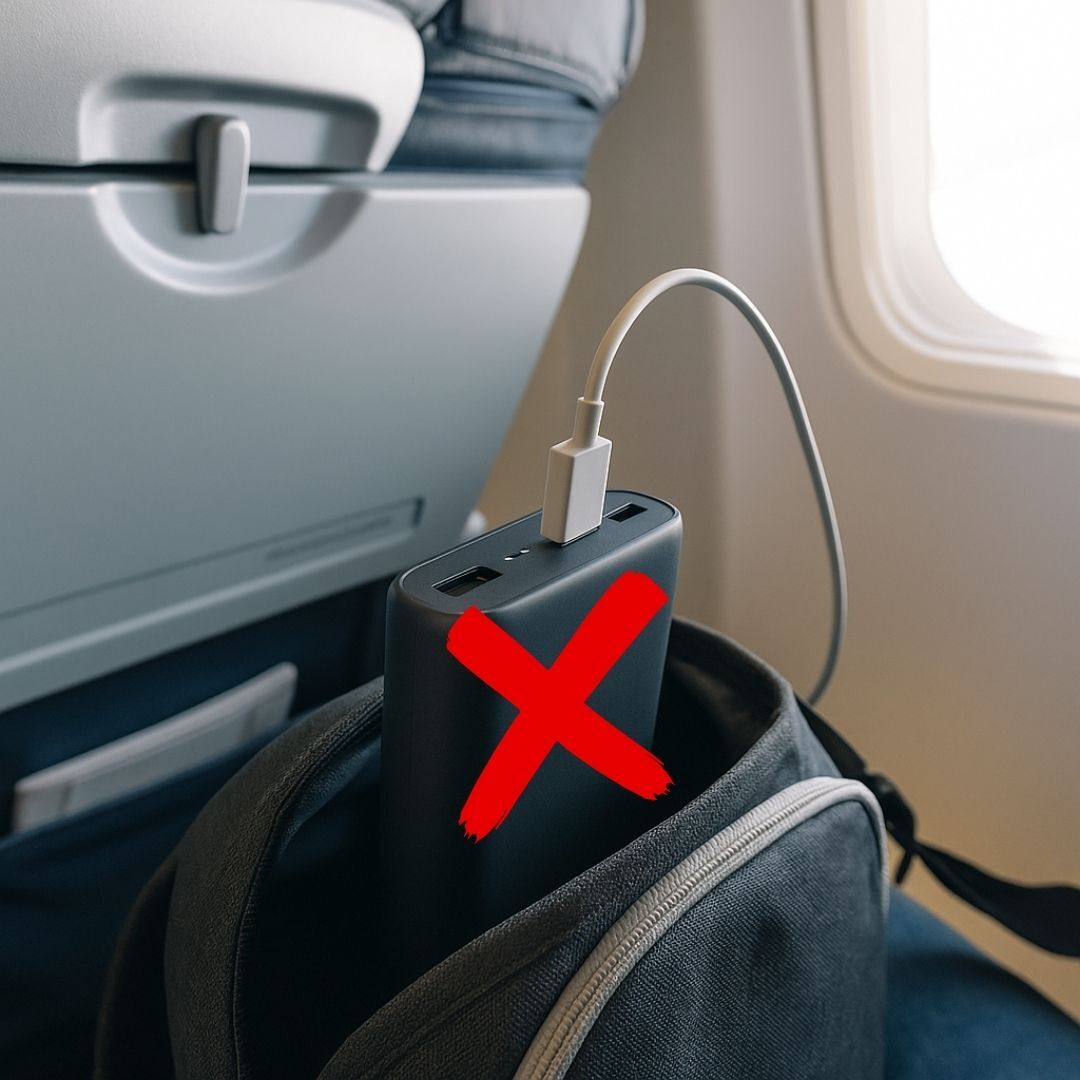










Whether you are charging your phone during a commute or keeping your laptop powered on a trip, a power bank is an essential gadget in today’s on-the-go life. But many users face a small yet confusing problem — how to switch off a power bank when it doesn’t turn off automatically.
Knowing the right way to power it down not only saves battery life but also keeps your device performing at its best.
Why Knowing How To Switch Off Your Power Bank Matters?
Most modern power banks are designed to shut down on their own once they detect no active connection. However, not all models behave the same way. Some remain partially active, lighting up indicator LEDs or staying in standby mode — slowly draining energy.
Manually switching off your power bank ensures:
- Better battery efficiency, preventing unnecessary drain.
- Longer product life, especially if stored for extended periods.
- Safety assurance, as inactive circuits reduce overheating risks.
So, let’s explore how you can safely and effectively turn off your portable charger.
Buy car chargers offering quick charging ports smart design and durable build making them the perfect companion for all your road trips and commutes.
Step-By-Step Method To Turn Off Your Power Bank
Here’s a simple, universal guide that applies to most brands and models:
1. Disconnect All Devices
Unplug every connected device — phone, tablet, or smartwatch. Many power banks automatically switch off within 20–30 seconds once all devices are disconnected.
2. Locate The Power Button
Find the small power button, usually marked with a power symbol (⏻) on the side or top. In some models, this button might also serve as a flashlight control.
3. Press And Hold
Press and hold the button for 3–5 seconds. Watch for indicator lights turning off — that’s your sign the power bank has powered down.
4. Try A Double Press
If the long press doesn’t work, some brands use a double-press action to power off or toggle features like flashlights and wireless charging.
5. Confirm It’s Off
Check that no LEDs are glowing and that your phone doesn’t start charging when plugged in again. If both checks pass, your power bank is now safely off.
Buy mobile chargers that deliver fast charging superior quality and compact designs making them perfect companions for all your charging needs.
Why Your Power Bank Might Stay On
Even after following the steps, some users notice that their power bank refuses to turn off. Here’s why this might happen:
- Button jam or sensitivity issue: The power button may be stuck or too sensitive.
- Reverse charging error: Your phone could be plugged into the input port instead of the output, making it appear that the power bank is “on.”
- LED or flashlight glitch: Built-in lights may keep glowing even after the charging function stops.
- Minor internal circuit fault: A small firmware or hardware issue might prevent a complete shutdown.
Before assuming it’s broken, try some quick fixes below.
Buy data cables offering quick sync strong build and safe charging so your devices remain powered and connected without interruptions anytime.
Fixing A Power Bank That Won’t Turn Off
If your power bank is not turning off, these simple tricks can often help:
Check The Ports
Ensure your cable is plugged into the correct output port, not the input. Many cases of “stuck on” power banks are just port mix-ups.
Press And Release The Button Repeatedly
Gently tap the button a few times. If the lights blink or fade, your power bank might just need a reset.
Perform A Full Recharge Cycle
Charge the power bank to 100%, use it until it fully drains, then recharge it again. This soft reset helps recalibrate the internal battery controller.
Look For A Reset Button
Some models come with a tiny pinhole for manual reset. Use a pin or paperclip to press and hold it briefly — this often clears software-level errors.
What If The Flashlight Or LED Won’t Turn Off
Many power banks have built-in flashlights or LED indicators that may continue glowing even when the main circuit is off. Here’s what you can do:
- Press the power button twice quickly — this toggles flashlight mode on most models.
- If it still stays on, let the battery drain naturally, which resets internal memory.
- As a temporary fix, cover the LED with tape to block light without affecting the function.
If none of these work, your model might have a mechanical switch issue, in which case contacting customer support is the safest option.
Buy smart watches offering health monitoring customizable designs and smart notifications making them the perfect partner for your daily lifestyle.
When To Contact Support?
If your portable charger still won’t turn off even after trying all methods, the internal circuit or switch may be faulty. In that case:
- Gather your purchase details and serial number.
- Contact the brand’s customer service — most offer warranty replacements for such defects.
-
Avoid trying to open the device yourself, as it can void the warranty or risk battery damage.
Conclusion
Learning how to switch off a power bank properly is more than just a technical step — it’s about ensuring safety, conserving battery life, and extending your device’s lifespan. Most power banks shut off automatically, but knowing manual methods gives you extra control when things don’t go as planned.
Whether it’s a simple button press or a quick reset, you can keep your charger efficient and ready whenever you need it.
Get power banks designed with strong capacity sleek style and reliable safety so your devices remain fully charged and ready to go.
FAQs About How To Switch Off A Power Bank
1. How to power off a power bank manually?
Disconnect all devices and press the power button for a few seconds until the lights go off.
2. Why does my power bank stay on after charging?
Some models remain active briefly; wait 20–30 seconds or press the button to turn it off.
3. Can I reset a power bank if it’s not turning off?
Yes, perform a full recharge cycle or use a reset pinhole if available.
4. Is it okay to leave a power bank switched on?
It’s safe, but switching it off prevents slow battery drain and conserves power.
5. What’s the difference between turning off and unplugging a power bank?
Unplugging stops charging your device, while switching off shuts the power bank’s system completely.