









Whether you use your laptop for work, online classes, gaming, video editing, or everyday browsing, understanding laptop wattage consumption can help you estimate electricity costs, choose the right charger, and improve energy efficiency.
Many people look at their laptop charger and assume the wattage printed on the adapter is the exact amount of power the laptop always uses. In reality, laptop power consumption changes depending on the processor, graphics card, display brightness, running applications, battery charging status, and overall workload.
This guide explains how laptop wattage consumption works, how to calculate power usage accurately, and how a power supply wattage calculator can help estimate your energy requirements.
How Much Power Does a Laptop Consume?
Most laptops consume between 20W and 100W during normal usage.
Typical power consumption ranges include:
| Laptop Type | Average Power Consumption |
| Basic Laptop | 20W to 45W |
| Business Laptop | 30W to 65W |
| High Performance Laptop | 60W to 100W |
| Gaming Laptop | 100W to 250W |
Actual power consumption varies depending on hardware specifications and workload.
For example:
- Checking emails may use 20W to 30W.
- Streaming videos may use 30W to 50W.
- Video editing may use 70W to 120W.
- Gaming can exceed 150W on powerful laptops.
What Is Laptop Wattage Consumption?
Laptop wattage consumption refers to the amount of electrical power a laptop uses while operating.
Power consumption is measured in watts and indicates how much energy the laptop requires to perform tasks.
A laptop consumes power through several components, including:
- Processor
- Graphics card
- Display
- Memory
- Storage drives
- Cooling fans
- Wireless connectivity modules
The more demanding the workload, the more power these components consume.
Why Laptop Wattage Matters?
Understanding laptop wattage consumption helps you:
- Estimate electricity costs
- Select the correct charger
- Compare laptop efficiency
- Choose a suitable UPS
- Determine power bank compatibility
- Reduce energy usage
Average Laptop Power Consumption
Laptop power usage varies significantly between devices.
Entry-Level Laptops
Basic laptops designed for browsing, office work, and online meetings typically consume between 20W and 45W.
Examples include:
- Student laptops
- Budget notebooks
- Chromebooks
Business Laptops
Professional laptops generally consume between 30W and 65W.
These systems are designed to balance performance and battery life.
Creative Workstations
Laptops used for graphic design, video editing, and content creation often consume between 60W and 150W depending on workload.
Gaming Laptops
Gaming laptops have the highest power requirements.
Power consumption may range from 100W to over 250W when running demanding games.
How to Calculate Laptop Electricity Usage
There are several methods to accurately calculate laptop power consumption.
Method 1: Using a Watt Meter
This is the most accurate method.
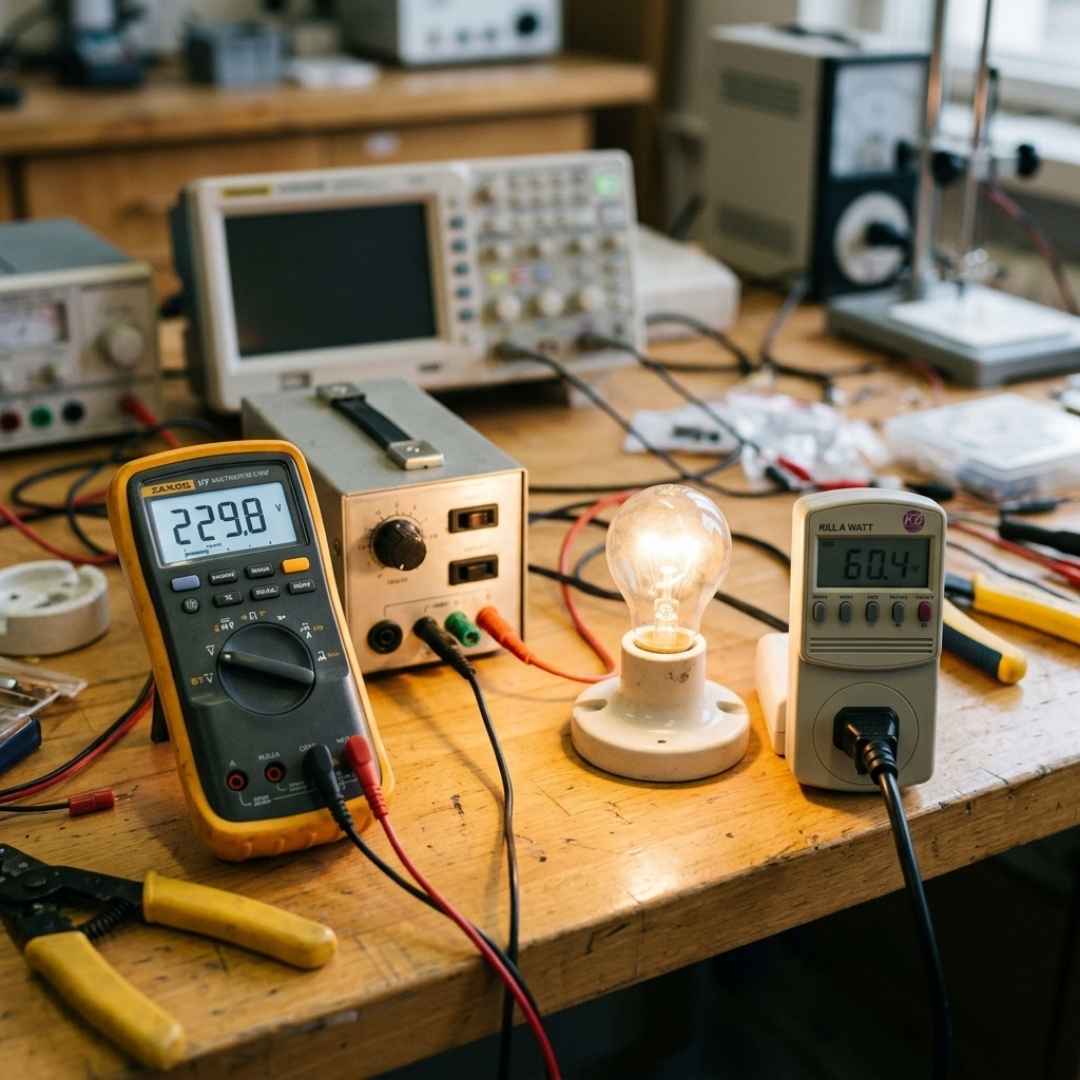
Connect a watt meter between the wall socket and your laptop charger.
Use the laptop normally for several days and record the energy usage displayed by the meter.
Electricity Cost Formula:
Electricity Cost = Total kWh Used × Electricity Rate
For example:
- Power consumed: 10 kWh
- Electricity rate: ₹8 per kWh
Cost = ₹80
This method accounts for charging losses and adapter efficiency.
Method 2: Using Battery Capacity
If a watt meter is unavailable, you can estimate power consumption using battery capacity.
Formula:
Average Watts = Battery Capacity in Wh ÷ Runtime in Hours
Example:
- Battery capacity: 60Wh
- Runtime: 3 hours
Average Power Consumption = 20W
This provides a good estimate of real-world usage.
Method 3: Using Monitoring Software
Hardware monitoring applications can estimate component-level power usage.
These tools help identify which components consume the most power during specific activities.
Common monitored components include:
- CPU
- GPU
- Storage
- Memory
This method is useful for gamers, creators, and advanced users.
Understanding Laptop Charger Wattage
Many users confuse charger wattage with actual laptop consumption.
For example:
- A 65W charger does not mean the laptop always consumes 65W.
- A 100W charger does not mean 100W is constantly used.
The charger simply provides the maximum available power.
The laptop only draws the amount it needs based on workload and charging status.
Common Laptop Charger Wattages
| Charger Rating | Typical Usage |
| 45W | Basic laptops |
| 65W | Business laptops |
| 90W | Performance laptops |
| 100W | Premium USB C devices |
| 140W and Above | Gaming laptops |
Power Supply Wattage Calculator Explained
A power supply wattage calculator helps estimate the total power required by a computer system.
These calculators consider:
- Processor
- Graphics card
- RAM
- Storage devices
- Cooling systems
- Additional peripherals
Why Use a Power Supply Wattage Calculator?
Benefits include:
- Preventing power shortages
- Ensuring system stability
- Supporting future upgrades
- Selecting the correct power supply
For desktop computers, choosing an appropriate power supply is critical because insufficient power can lead to crashes and instability.
Factors That Affect Laptop Power Consumption
Screen Brightness
Higher brightness levels increase energy usage.
Processor Workload
Heavy applications require more CPU power.
Graphics Usage
Gaming and rendering significantly increase consumption.
Battery Charging
Power usage increases while charging the battery.
Connected Accessories
External drives, monitors, keyboards, and USB devices add to total power consumption.
Tips to Reduce Laptop Power Consumption
Lower Screen Brightness
Reducing brightness can significantly improve battery life.
Use Power Saving Mode
Built-in power-saving settings optimise performance and energy usage.
Close Unnecessary Applications
Unused software consumes processing resources.
Disconnect Unused Accessories
Remove peripherals when not needed.
Keep Software Updated
Updated software often includes efficiency improvements.
Reduce Background Processes
Limiting unnecessary startup applications can lower power usage.
How Much Does It Cost to Run a Laptop?
Consider a laptop consuming 50W for 8 hours daily.
Daily Consumption:
50W × 8 Hours = 400Wh
400Wh = 0.4kWh
Monthly Consumption:
0.4 × 30 = 12kWh
At ₹8 per kWh:
12 × 8 = ₹96 per month
Compared to many household appliances, laptops are relatively energy efficient.
Conclusion
Understanding laptop wattage consumption helps you estimate electricity costs, improve energy efficiency, and choose the right charger or power solution for your needs.
Power usage depends on hardware, workload, display settings, and charging behavior. Whether you use a watt meter, battery calculations, or monitoring software, measuring actual consumption provides a more accurate picture than simply relying on charger ratings.
By understanding how laptop power consumption works and using a power supply wattage calculator when needed, you can make informed decisions about energy usage, charging equipment, and overall system performance.