








A phone that suddenly stops charging can be frustrating, especially when the battery is already low. In many cases, the problem is not a serious hardware failure. A damaged cable, blocked charging port, faulty power source, software issue, excessive heat, or moisture can prevent a phone from charging properly.
If your phone wont charge, start with the simple checks before assuming that the battery or charging port needs replacement. Try another power source and charging cable, inspect the charging port, restart the phone, and check whether the device is too hot or has detected moisture.
This guide explains the most common reasons your phone may not charge and the practical steps you can take to identify and fix the problem.
Why Won't My Phone Charge?
There are several possible reasons a phone may stop charging. The most common ones include:
- A damaged charging cable
- A faulty charging adapter
- A blocked or damaged charging port
- A faulty power outlet
- A temporary software problem
- Excessive battery drain from apps
- Overheating
- Moisture detected in the charging port
- Battery deterioration
- Internal hardware damage
Before visiting a repair center, work through the following fixes one at a time.
1. Check the Power Source
Start with the simplest possibility. The wall outlet, extension board, power strip, or USB port you are using may not be providing power correctly.
Plug another working device into the same outlet to check whether it is functioning. You can also try another wall socket.
If your phone starts charging from another outlet, the phone itself may not be the problem.
2. Check the Charging Cable and Adapter
Charging cables can become damaged after repeated bending, pulling, or everyday use. Look for cuts, exposed wires, bent connectors, or loose connections.
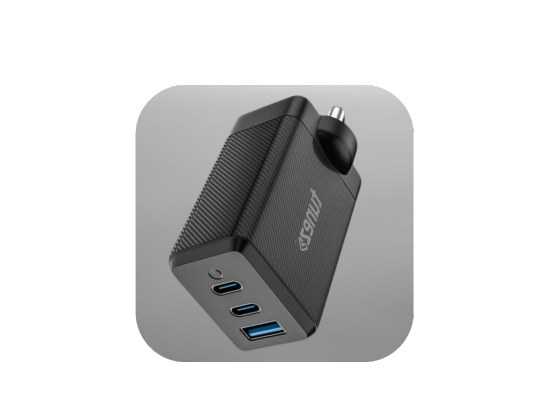
The adapter can also fail even when the cable looks perfectly fine.
Try a known working cable and compatible adapter with your phone. If the phone begins charging normally, replace the faulty accessory.
Using a compatible charger from a reliable manufacturer is also important because poor quality accessories may provide unstable power or fail to deliver the required charging output.
3. Inspect and Clean the Charging Port
Dust, pocket lint, and other small particles can collect inside the charging port. This buildup can prevent the charging connector from making proper contact.
Switch off the phone and inspect the port under good lighting. If you can see debris, clean it very gently using a soft dry brush or another suitable non metallic tool.
Do not force anything deep into the port. Avoid sharp metal objects because they can damage the contacts inside the connector.
If the port looks loose, bent, corroded, or physically damaged, professional inspection is safer than attempting a repair yourself.
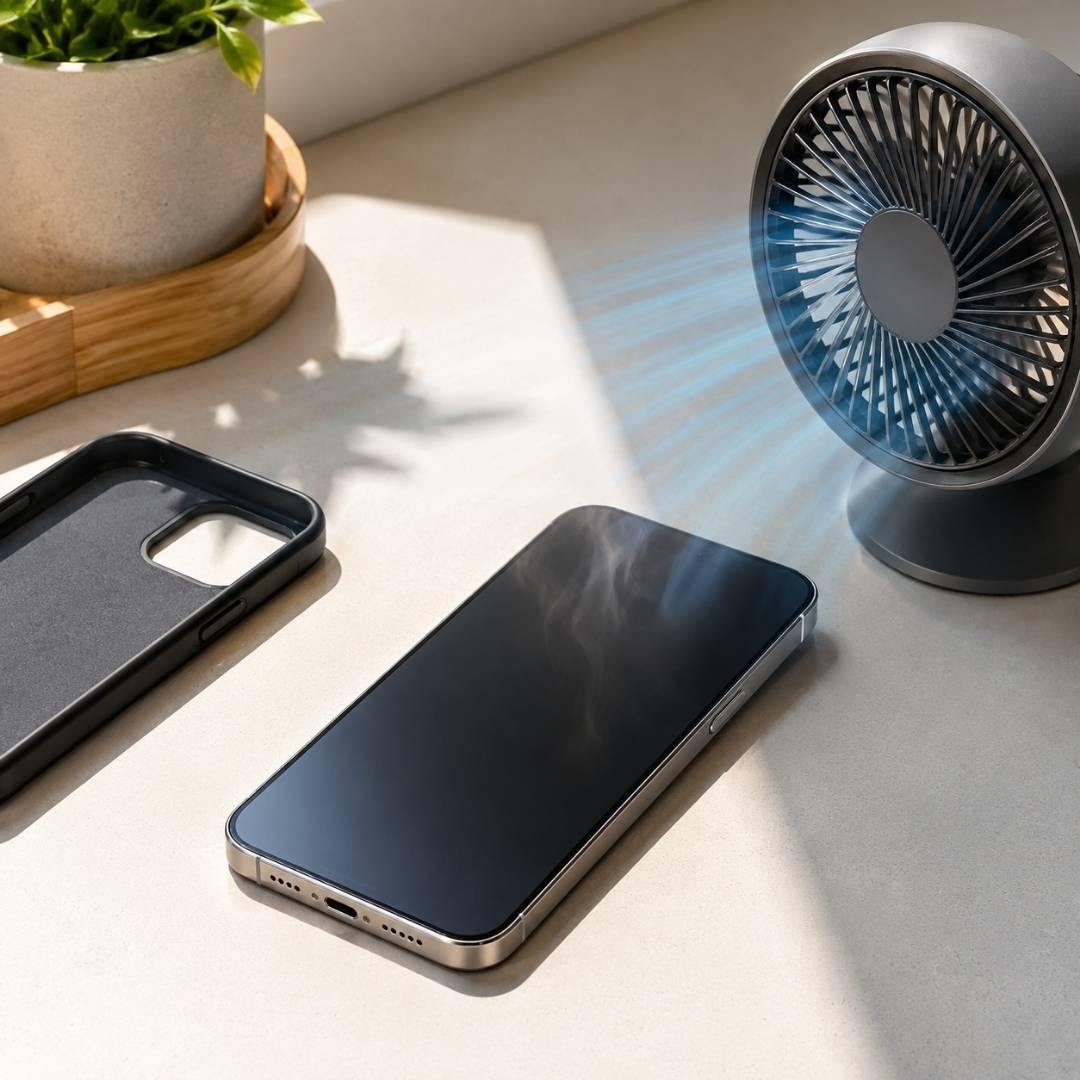
4. Remove the Phone Case
A thick or poorly fitted case can sometimes prevent the charging connector from entering the port completely.
Remove the case and connect the charger again. Make sure the connector sits firmly in the port.
If charging works after removing the case, the case may be interfering with the connection.
5. Restart Your Phone
A temporary software problem can sometimes prevent the phone from recognising a connected charger.
Restart the device and connect the charger again after it has completely turned on.
The exact restart method varies between Android phones and iPhones, so use the method recommended for your particular device.
If the phone starts charging after a restart, the issue may have been temporary rather than a physical charging problem.
6. Check Whether the Phone Is Too Hot
Smartphones have safety systems that can reduce or temporarily stop charging when the device becomes excessively hot.
This can happen while gaming, recording video, using navigation, running demanding applications, or charging in a hot environment.
If your phone feels unusually warm, disconnect the charger and allow the device to cool naturally in a shaded, well ventilated place.
Do not put a hot phone in a refrigerator or freezer. Sudden temperature changes can cause additional problems.
Once the phone returns to a normal temperature, try charging it again.
7. Check for Moisture
Some phones can detect moisture inside or around the charging connector. When moisture is detected, charging may be disabled to protect the device.
If you recently exposed your phone to rain, water, humidity, or a liquid spill, disconnect the charger and allow the port to dry naturally.
Do not insert objects into the port to speed up drying. Avoid using excessive heat from a hair dryer because it can damage sensitive components.
Wait until the connector and surrounding area are completely dry before trying again.
8. Close Power Hungry Apps
Sometimes the phone is technically charging, but the battery level appears unchanged because the device is consuming power almost as quickly as it receives it.
Games, video streaming, navigation, camera applications, and other demanding apps can use significant battery power.
Close unnecessary applications and try charging the phone again. You can also enable Airplane Mode temporarily to reduce network activity.
If the battery percentage begins increasing after doing this, high power consumption may have contributed to the problem.
9. Check for Software Updates
Charging problems can occasionally be related to software bugs or compatibility issues.
Check your phone’s settings for available system updates. If the problem started immediately after a software update, check whether the manufacturer has released another update addressing the issue.
Avoid installing unofficial software or attempting an operating system downgrade unless you understand the risks and follow the manufacturer’s instructions.
10. Check the Battery and Charging Hardware
If you have tried different outlets, cables, and adapters and cleaned the charging port, the problem could be related to the phone itself.
Possible hardware problems include:
- A worn battery
- A damaged charging port
- A faulty charging circuit
- Damage caused by a drop
- Liquid damage
- Internal component failure
A battery that is several years old may also have significantly reduced capacity and may require replacement.
If your phone does not respond to any compatible charger, becomes unusually hot while charging, shows physical damage, or repeatedly stops charging, have it inspected by an authorized service center or qualified technician.
What to Do If Your Phone Still Won't Charge
If none of the troubleshooting steps work, avoid repeatedly connecting and disconnecting the charger or using damaged accessories.
First, back up your important data if the phone still has enough battery power. Then contact the phone manufacturer’s support team or an authorised repair centre.
Professional diagnosis is especially important when the phone has been exposed to liquid, suffered a significant drop, has a damaged charging port, or becomes abnormally hot.
How to Prevent Charging Problems
A few simple habits can reduce the chances of charging problems in the future.
- Keep the charging port clean and free from debris.
- Avoid sharply bending the charging cable.
- Do not use visibly damaged charging accessories.
- Keep the phone away from excessive heat while charging.
- Keep liquids away from the charging port.
- Use compatible charging accessories from reliable manufacturers.
- Avoid putting unnecessary pressure on the charging connector.
- Replace worn cables when they begin showing signs of damage.
Conclusion
When your phone wont charge, the cause can be something as simple as a faulty cable, blocked charging port, or unsuitable power source. Start by checking the outlet, cable, adapter, and charging port before moving on to software and battery related troubleshooting.
If the phone is overheating, has detected moisture, or has visible physical damage, stop charging it and allow the device to cool or dry before trying again. When basic troubleshooting does not solve the problem, professional diagnosis is the safest option.
Understanding these common causes can help you identify the problem faster and avoid unnecessary repairs.