









A phone becoming warm during charging, gaming or video calls is usually normal. However, if your phone becomes unusually hot, slows down, shows a temperature warning or heats up during simple tasks, it is worth finding out why.
Phone overheating can be caused by heavy usage, direct sunlight, charging, background activity, poor network conditions, software issues or a problem with the battery or charging accessories.
The good news is that you can often reduce the heat with a few simple changes. This guide explains what causes phone overheating, how to cool a hot phone safely and what you can do to prevent the problem from happening again.
What Causes a Phone to Overheat?
Smartphones generate heat whenever the processor, display, battery and other components consume power. The more demanding the activity, the more heat the device may produce.
Several factors can make this worse.
1. Heavy Gaming and High Performance Apps
Gaming is one of the most common reasons a phone becomes noticeably warm. Graphics-intensive games require continuous processing and can keep the processor and graphics hardware working for long periods.
Video recording, video editing, video calls and high quality streaming can also increase the workload.
If your phone becomes hot during these activities, taking regular breaks can help reduce the temperature.
2. Using Your Phone While Charging
Charging naturally produces some heat. Using a demanding application at the same time adds another source of heat.
Gaming, recording videos or making long video calls while charging can therefore make the phone considerably warmer.
3. Direct Sunlight and Hot Environments
A phone has a harder time releasing heat when the surrounding environment is already hot.
Leaving a phone on a car dashboard, in direct sunlight or inside a parked vehicle can cause its temperature to rise quickly.
4. Background Apps and Processes
Applications may continue running in the background for synchronisation, location updates, notifications and other tasks.
If an app is using an unusually large amount of battery, it may also contribute to unnecessary heat.
Checking your phone’s battery usage can help identify applications that are consuming excessive power.
5. Battery, Charger or Cable Problems
A faulty battery or damaged charging accessory can cause abnormal heating.
If your phone becomes unusually hot every time you connect a particular charger or cable, stop using that accessory and investigate the problem rather than continuing to charge the device.
How to Cool an Overheating Phone Quickly
If your phone is already hot, the priority is to reduce its workload and let the heat escape naturally.
1. Stop Charging
If the phone becomes excessively hot while charging, unplug it and allow it to cool.
Avoid continuing to charge a device that feels unusually hot, particularly if you notice swelling, damage or repeated temperature warnings.
2. Remove the Case
Temporarily remove a thick protective case if the phone is very warm.
A case does not normally cause overheating by itself, but it can retain some heat when the device is already under heavy load or charging.
3. Stop Demanding Applications
Close games, navigation, video recording and other resource intensive applications.
Turn off the screen and give the phone some time without heavy use.
If the same application repeatedly causes overheating, check its battery usage and make sure the app is updated.
4. Move the Phone Away From Heat
Take the phone out of direct sunlight and move it to a cool, shaded location.
Place it on a dry, hard surface where heat can dissipate naturally.
Do not use ice, a refrigerator or a freezer to cool it down quickly. Sudden temperature changes can create condensation and potentially damage electronic components.
5. Reduce Screen Brightness
High screen brightness increases power consumption, especially during extended use.
Lower the brightness to a comfortable level or enable adaptive brightness. This can help reduce power consumption and heat during regular use.
How to Prevent Your Phone From Overheating
Cooling the phone solves the immediate problem, but identifying the cause is more important if overheating happens regularly.
Avoid Long Periods of Heavy Use
Give your phone breaks during extended gaming, video recording, video calls or other demanding activities.
If the device starts becoming noticeably hot, pause the activity rather than continuing until the phone becomes extremely warm.
Keep Software and Apps Updated
Operating system and app updates can include performance improvements and fixes for bugs that may cause excessive battery usage.
Keep your phone and frequently used applications updated through their official update channels.
Check Battery Usage
Look through your phone’s battery settings if you notice unexplained heating.
An application consuming an unusually large amount of battery may be contributing to the problem. Updating or removing a problematic application can sometimes resolve the issue.
Use Compatible Charging Accessories
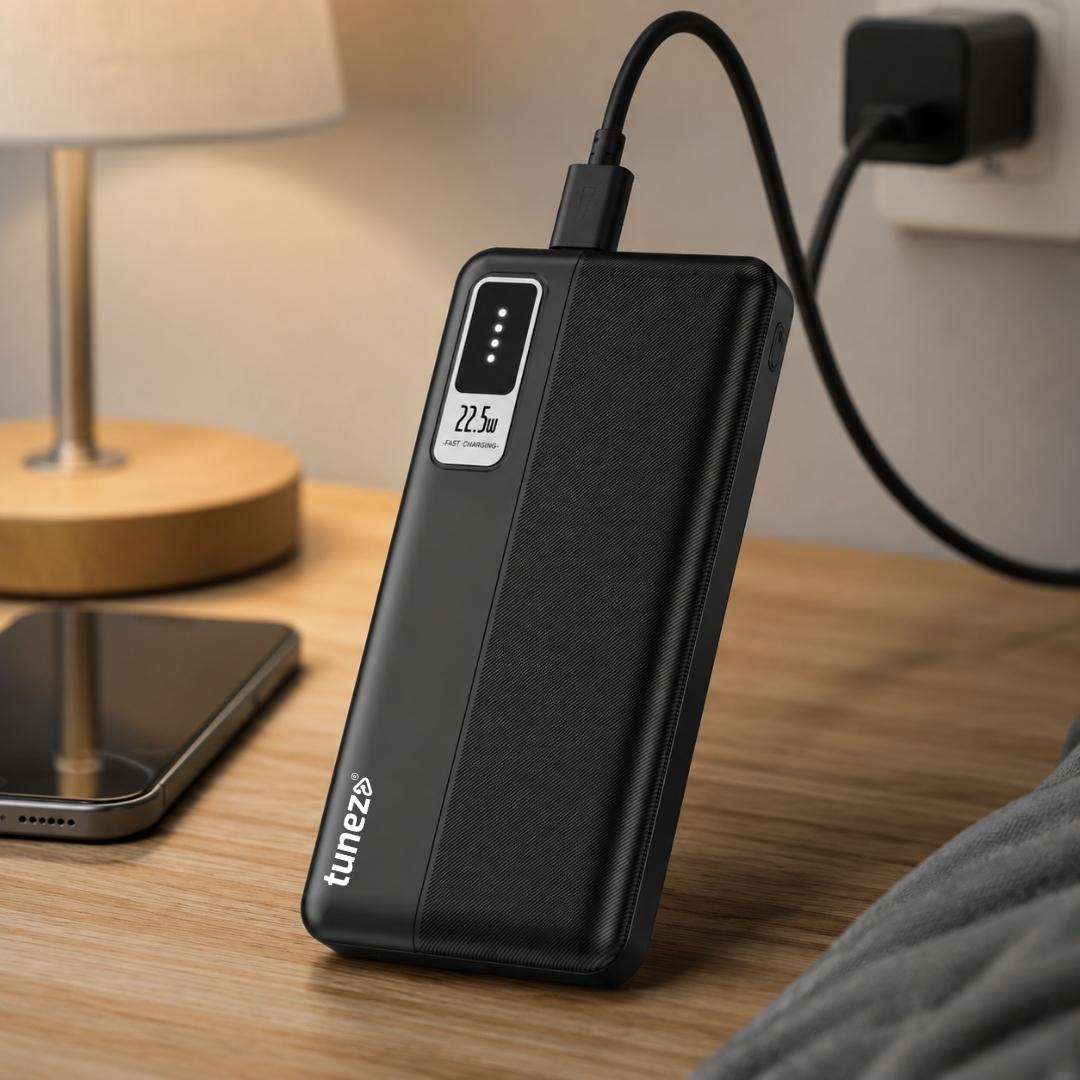
Use a compatible charger and cable from a reliable manufacturer. Choosing the right charger wattage for your phone is also important, as using unsuitable charging accessories may contribute to excessive heat.
Avoid damaged cables, loose connections and questionable charging accessories. If overheating occurs repeatedly with one charger, stop using it and test with a suitable replacement.
Avoid Poorly Ventilated Hot Locations
Do not leave your phone in direct sunlight, under pillows or in other locations where heat cannot escape easily.
Keeping the device away from excessive external heat is particularly important when it is charging.
Is It Normal for a Phone to Get Warm?
Yes. Some warmth is expected when a smartphone is charging, gaming, navigating, recording video, streaming content or handling other demanding tasks.
The important difference is between normal warmth and excessive heat.
Pay closer attention if your phone becomes uncomfortable to hold, displays a temperature warning, slows down significantly, shuts down unexpectedly or becomes hot during light use.
These signs can indicate that something beyond normal usage may be causing the heat.
When Should You Stop Using an Overheating Phone?
Stop using and charging the phone if it becomes extremely hot or displays a temperature warning.
Move it away from direct sunlight and allow it to cool naturally.
If the phone repeatedly overheats during light use, heats up while idle or becomes unusually hot with a particular charger, the cause could be related to the battery, charging system, software or another internal component.
In such cases, contacting the phone manufacturer or an authorised service centre is the safest approach.
Conclusion
Knowing how to stop your phone from overheating starts with identifying what is generating the excess heat.
For immediate cooling, stop charging, close demanding applications, remove the case if necessary and move the phone to a cool, shaded location. Avoid refrigerators, freezers and other extreme cooling methods.
For long term prevention, avoid excessive heat, take breaks during demanding activities, keep your software updated, monitor battery usage and use compatible charging accessories.
Occasional warmth is normal, but repeated or extreme overheating should not be ignored. If your phone becomes very hot during simple tasks or shows frequent temperature warnings, getting it professionally checked can help prevent further damage.