





Every gadget we use relies on the right cable—charging, data transfer, syncing files, or connecting peripherals. Yet many people still wonder about the difference between Type B and Type C cables, especially when buying a new device or trying to connect an older one. Both connectors play an important role, but they are built for very different generations of technology.
Let’s break it down in a simple, engaging way so you can choose the right cable with confidence.
Understanding USB Type B: The Classic Connector
If you have ever connected a printer or scanner, chances are you have seen a USB Type B connector. With its blocky, almost square shape, Type B was designed for older peripherals that needed stable, durable connections.
What Type B Cable Looks Like
Where Type B Is Used
- Printers
- Scanners
- Older external hard drives
- Some audio interfaces
Speed And Power Support
- USB 2.0 speeds up to 480 Mbps
- USB 3.0 speeds up to 5 Gbps
- Power delivery around 2.5W to 4.5W
Is Type B Still Common?
Understanding USB Type C: The Modern Standard
USB Type C is everywhere—your smartphone, your laptop, your earbuds, even your gaming consoles. Sleek, reversible, and powerful, it’s the connector designed for the future.
What Type C Cable Looks Like
Where Type C Is Used
- Smartphones
- Laptops and tablets
- Power banks
- Cameras and gaming consoles
- External SSDs
Speed And Power Support
- Speeds up to 80 Gbps (USB4)
- Power delivery up to 100W
- Fast charging and high-bandwidth data transfer
Why Type C Is Becoming Universal
Key Differences Between Type B and Type C Data Cable
Here’s a quick comparison to help you understand the real difference between Type B and Type C Cable:
1. Connector Shape
- Type B: Squarish, bulky
- Type C: Slim, modern, reversible
2. Compatibility
- Type B: Printers, scanners, older peripherals
- Type C: Modern phones, laptops, tablets, accessories
3. Data Speed
- Type B: Up to 5 Gbps
- Type C: Up to 80 Gbps
4. Power Delivery
- Type B: Basic power, limited charging
- Type C: High-wattage fast charging and power delivery
5. Current Usage
- Type B: Becoming rare
- Type C: Universal and future-ready
Understanding these differences helps you select the right cable for your specific gadget—whether it’s an older printer or a brand-new smartphone.
Browse data cables offering strong build flexible design and reliable performance making them the go to accessory for all your device needs.
USB-C To USB-B Cables: Bridging Old and New
Sometimes you need a cable that connects modern devices to older peripherals. That’s where USB-C to USB-B cables come in.
These cables allow:
- A laptop with USB-C ports to connect to a classic printer
- Faster transfers compared to traditional USB-A connectors
- Stable performance for office and home setups
They are especially handy for mixed environments where devices come from different generations.
Benefits of Using USB-C To USB-B Cables
Using these hybrid cables offers several advantages:
- Faster data transfer than older USB-A to USB-B cables
- Reliable, stable connection for printers and scanners
- Long-lasting design, often with a braided or tangle-free build
- Easy compatibility with modern Type-C laptops
If you frequently switch between old and new devices, this cable becomes a must-have accessory.
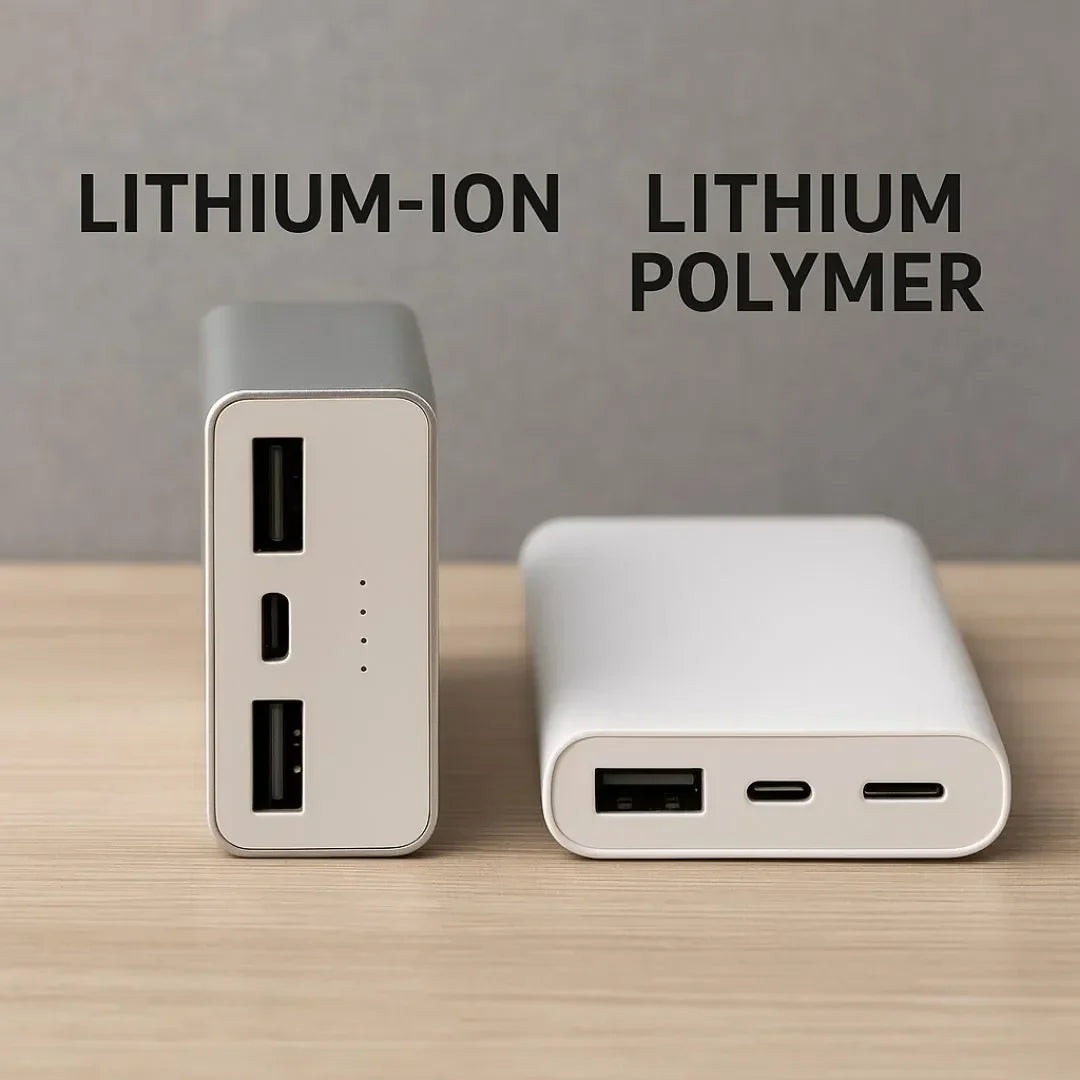
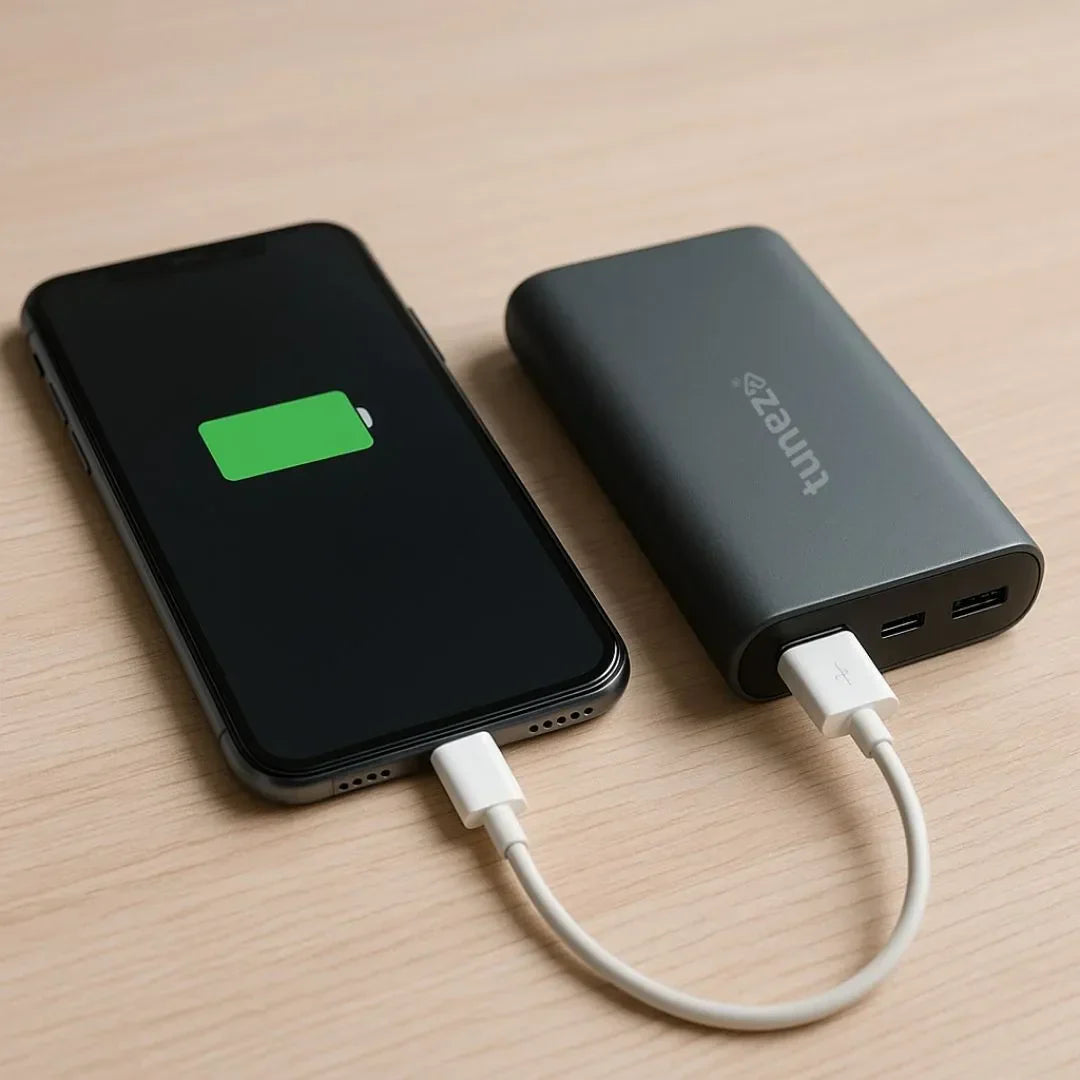
Shop power banks with long lasting charge compact size and multiple ports allowing you to power up several devices with complete ease.
How To Choose Between Type B And Type C Cables
Choosing the right cable depends on your device and usage style.
For Modern Devices
Always go for USB-C. It’s faster, more flexible, and supports high power delivery. Whether charging your phone or transferring large files, Type C performs better in every way.
For Older Devices
If you’re connecting printers, scanners, or legacy equipment, a Type B cable or a USB-C to USB-B cable is essential.
For Maximum Convenience
Look for features like:
- Durable nylon-braided material
- Tangle-free design
- Longer cable lengths
- High-speed data support
A well-built cable improves your productivity and device longevity.
Conclusion
Now you clearly understand the difference between Type B and Type C cables and when each one is needed. Type B remains useful for older peripherals, while Type C has taken over the modern world with its versatility, speed, and efficiency.
Whether you are connecting a classic printer or a brand-new smartphone, using the right cable ensures better performance and a smoother experience.
Shop car chargers for fast power delivery safe charging and convenient portability making them essential for your everyday driving needs.