




The way we charge and connect devices has changed rapidly over the last few years. From smartphones and tablets to laptops and gaming devices, one connector has become almost universal — the Type C Data Cable.
You may already use it every day without realizing how powerful it actually is. Unlike older charging cables, USB Type C offers faster charging, quicker data transfer, and wider compatibility across devices.
If you have ever wondered what is Type C data cable, what do data cables do, and why it has become the global standard, this guide explains everything in a simple and practical way.
Understanding What Is Type C Data Cable
A Type C Data Cable, also known as USB Type C, is a modern connector designed for charging, data transfer, and video output through a single compact port.
The biggest advantage is its reversible design. You can plug it in from either side without worrying about orientation.
This cable is now widely used in:
- Android smartphones
- Tablets
- MacBooks
- Windows laptops
- Gaming consoles
- Wireless accessories
Its ability to handle multiple functions through one cable makes it far more advanced than older USB types.
Why Type C Data Cable Became Popular
Older connectors like USB A, Type B and Type C cables, and Micro USB had several limitations before modern USB C became widely adopted. They were slower, less durable, and often frustrating to use.
The Type C Data Cable solved many of these issues by offering:
- Faster charging
- Better durability
- Higher transfer speeds
- Universal compatibility
- Easier connectivity
Today, many manufacturers prefer USB C because it reduces the need for different charging ports and cables across various types of USB ports.
Key Features Of Type C Data Cable
Reversible Connector Design
One of the most noticeable improvements is the reversible connector.
Unlike older cables, you do not need to check which side is up. This makes charging easier, especially in dark environments or while traveling.
Fast Charging Support
USB-C supports USB Power Delivery technology, allowing devices to charge much faster than traditional cables.
Some advanced cables can support up to 100W or even 240W charging for laptops and larger devices.
This means:
- Smartphones charge quicker
- Laptops can charge through one compact cable
- Charging becomes more efficient overall
High Speed Data Transfer
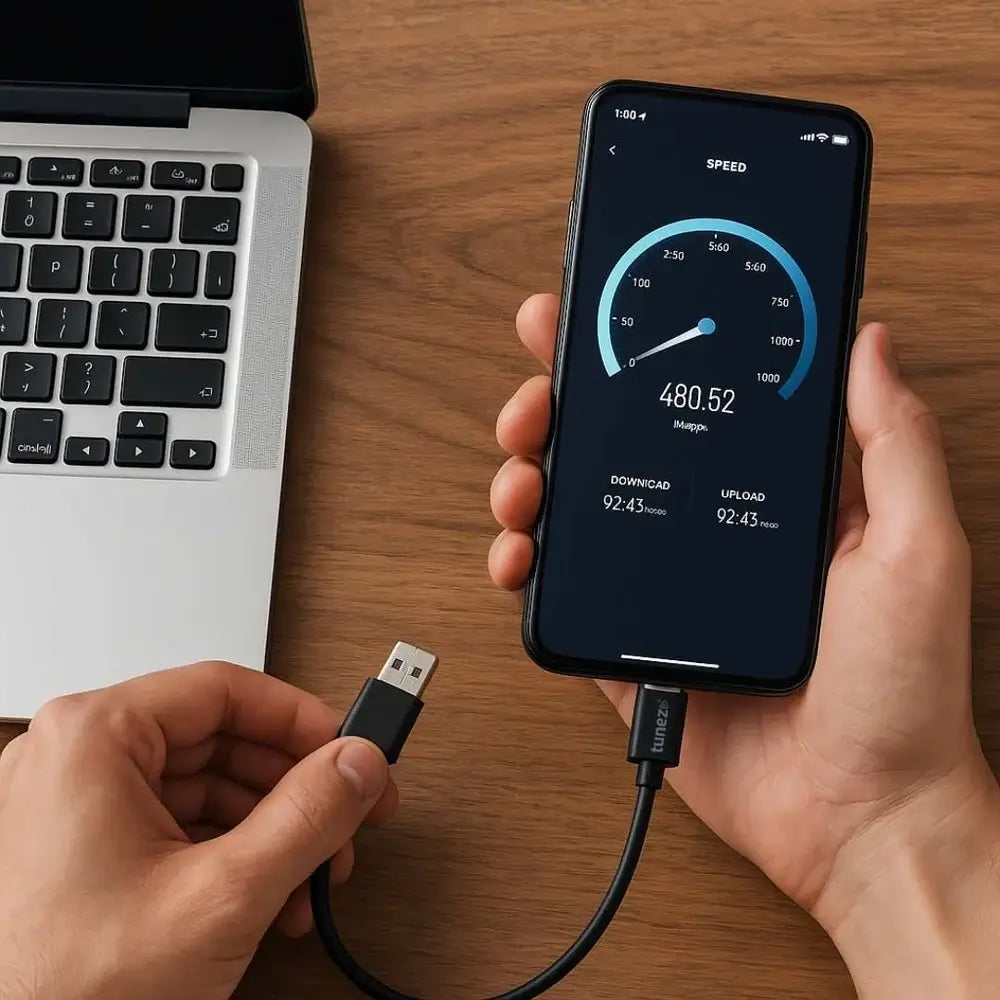
A major reason people search for Type C data cable is its impressive transfer speed, especially when checking data cable speed for different devices and use cases.
Depending on the USB version, it can support:
- 480 Mbps
- 5 Gbps
- 10 Gbps
- 20 Gbps
- Up to 40 Gbps with USB4
This is extremely useful for:
- Video creators
- Gamers
- Professionals handling large files
- External SSD usage
Video and Display Support
USB-C can also carry video signals.
This allows users to connect:
- Monitors
- TVs
- Projectors
- Docking stations
using the same cable for both power and display output.
Type C Data Cable Vs Micro USB
Many peoples compare C Type and Micro USB cable options because older phones used Micro USB extensively while modern devices prefer USB C.
Here are the major differences:
|
Feature
|
Type C
|
Micro USB
|
| Plug Design | Reversible | One sided |
| Charging Speed | Much faster | Slower |
| Data Transfer | Up to 40 Gbps | Up to 480 Mbps |
| Durability | Better | Lower |
| Video Support | Yes | No |
USB-C clearly offers better performance and long-term compatibility.
Common Devices Using Type C Data Cable
Today, USB-C is used across multiple product categories.
Smartphones
Most modern Android phones now use USB-C for charging and data transfer.
Laptops
Many premium laptops rely completely on USB-C for:
- charging
- displays
- storage devices
- docking stations
Gaming Devices
Gaming consoles and handheld devices also benefit from USB-C because of faster charging and stable connectivity.
Audio Accessories
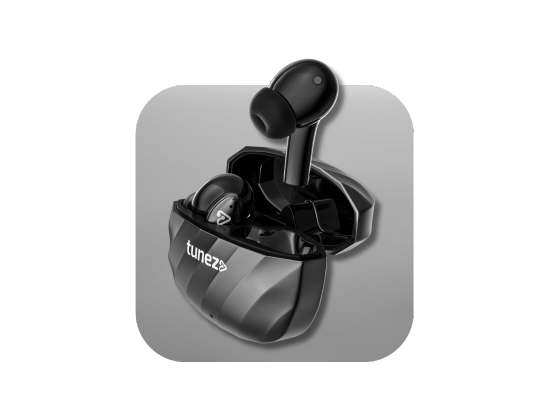
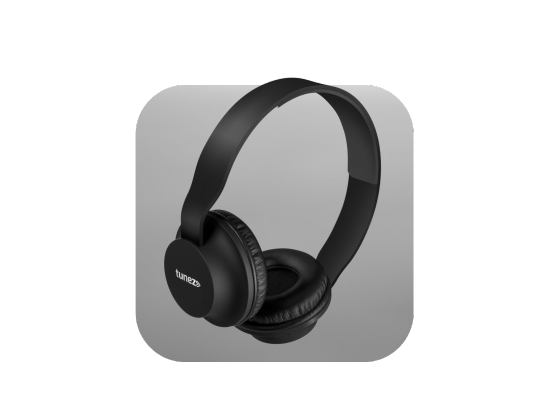
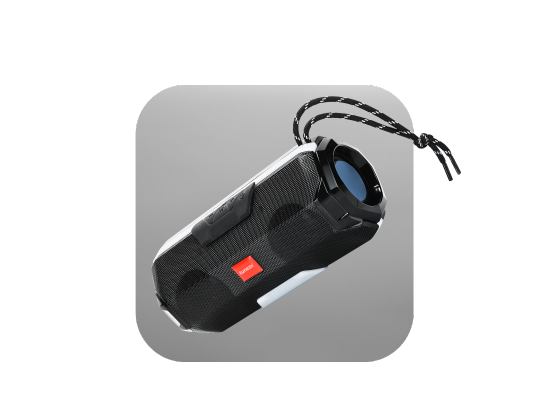
Wireless earbuds, headphones, and speakers frequently use USB-C for quick charging and convenience.
How To Choose A Good Type C Data Cable
Not all USB-C cables perform the same.
Some only support basic charging, while others support:
- fast charging
- high-speed data transfer
- video output
When buying a cable, check:
- charging wattage support
- USB version
- cable durability
- certification quality
- device compatibility
A poor quality cable can lead to slow charging and overheating problems.
Safety Tips For Using Type C Data Cable
To improve cable lifespan and safety:
- Avoid bending the cable sharply
- Use certified cables only
- Keep ports clean from dust
- Replace damaged cables immediately
- Avoid extremely cheap, low-quality products
These small habits can prevent charging issues and improve device safety.
Why Type C Is The Future Of Connectivity
USB-C is no longer just a smartphone charging cable. It has become a universal standard for modern electronics.
Governments and tech brands support USB-C because it:
- reduces electronic waste
- simplifies charging systems
- improves compatibility
- supports future technologies
Even Apple has shifted newer iPhones toward USB-C connectivity, showing how important the standard has become globally.
Conclusion
Understanding what a Type C data cable is helps you make better choices when buying chargers, accessories, and devices.
Its fast charging support, high-speed data transfer, universal compatibility, and compact design make it one of the most important technologies in modern connectivity.
Whether you are charging a smartphone, transferring large files, or connecting displays, the Type-C data cable delivers convenience, speed, and reliability in one simple connector.
Shop data cables for high speed transfer long lasting durability and consistent charging performance to keep your devices running efficiently.
FAQs About Type C Data Cable
1. What is a Type C data cable used for?
A Type C data cable is used for charging devices, transferring files, and connecting displays or accessories. It combines multiple functions into one compact connector.
2. Is Type C faster than Micro USB?
Yes, USB-C supports significantly faster charging and data transfer speeds than Micro USB. Some USB C versions can reach up to 40 Gbps transfer speed.
3. Can a Type C data cable charge laptops?
Yes, many USB-C cables support high-wattage charging suitable for laptops and tablets. Advanced USB Power Delivery cables can handle up to 100W or more.
4. Does every Type C cable support fast charging?
No, not all USB-C cables support fast charging technology. The charging speed depends on the cable quality, USB standard, and device compatibility.
5. Is USB-C the same as Type-C?
Yes, USB-C and Type-C refer to the same connector design. USB Type C is the full technical term commonly shortened to USB-C.
6. Can Type C cables transfer video signals?
Yes, many USB-C cables support video output to monitors, TVs, and projectors. This depends on the device and cable specifications.
7. Why is Type C becoming the global standard?
USB-C offers faster charging, better compatibility, and reduced electronic waste compared to older connectors. It also supports future technologies more efficiently.
8. Are all Type C cables the same?
No, some cables only support charging while others support fast charging, data transfer, and video output. Performance varies depending on cable specifications.
9. Can I use a Type C cable for gaming devices?
Yes, many gaming consoles and handheld gaming devices use USB-C for charging and data transfer. It provides stable connectivity and faster charging speeds.
10. How long does a Type C data cable last?
A high-quality USB-C cable can last several years with proper handling and care. Avoiding excessive bending improves cable durability significantly.
11. Can Type C cables damage devices?
Certified USB-C cables are generally safe for devices when used correctly. Cheap, low-quality cables may cause overheating or unstable charging issues.
12. Does Type C support audio devices?
Yes, many wireless earbuds, headphones, and speakers use USB-C for charging and connectivity. It helps improve convenience and charging speed.
13. Why is my Type C cable charging slowly?
Slow charging may happen because of cable damage, unsupported adapters, or low power output. Using a certified fast charging cable usually solves the issue.
14. Can one Type C cable work for multiple devices?
Yes, USB-C is designed for universal compatibility across smartphones, tablets, laptops, and accessories. Compatibility still depends on supported charging standards.
15. What is the difference between USB-C and USB4?
USB-C refers to the connector shape, while USB4 refers to the transfer technology standard. USB4 cables can deliver much higher data transfer speeds.