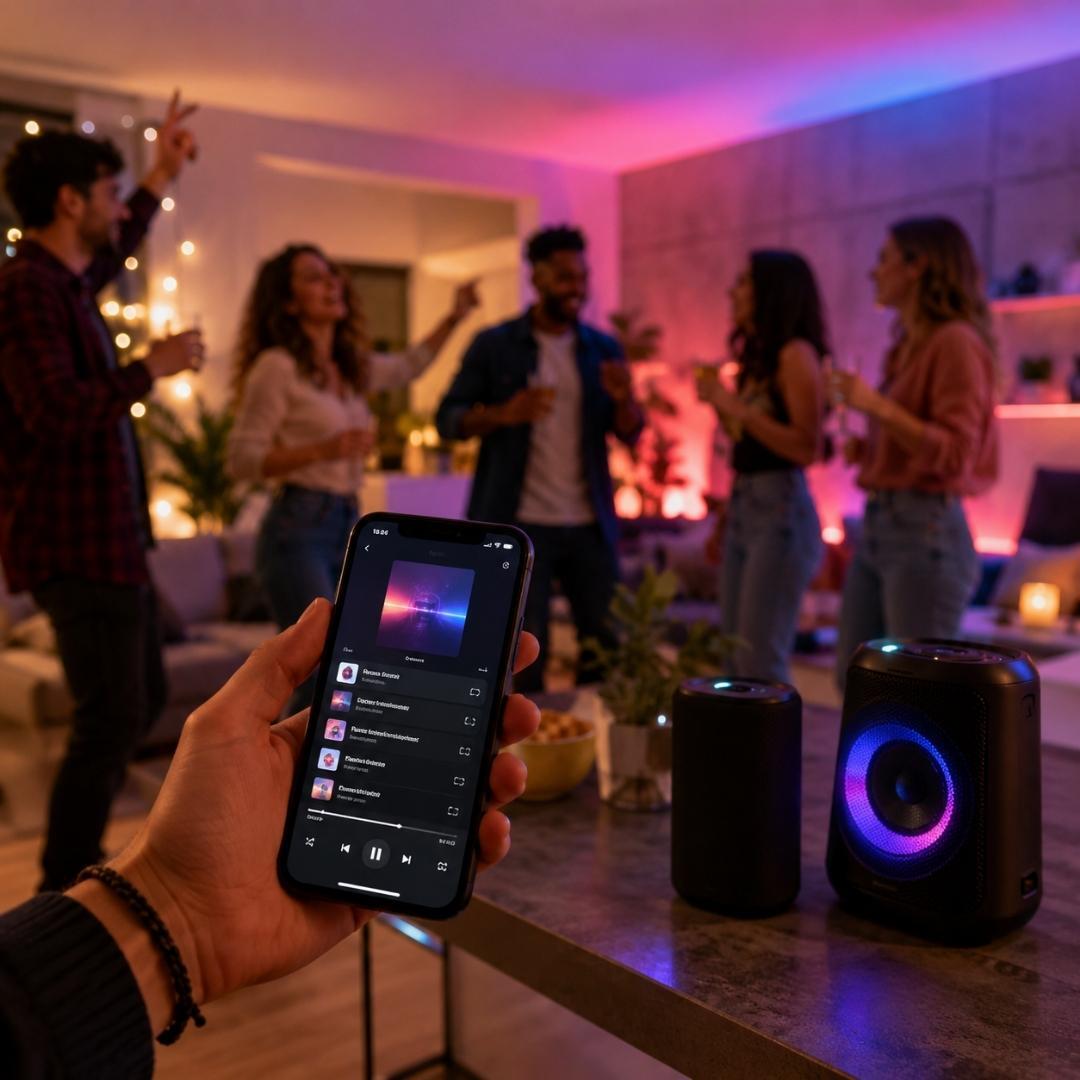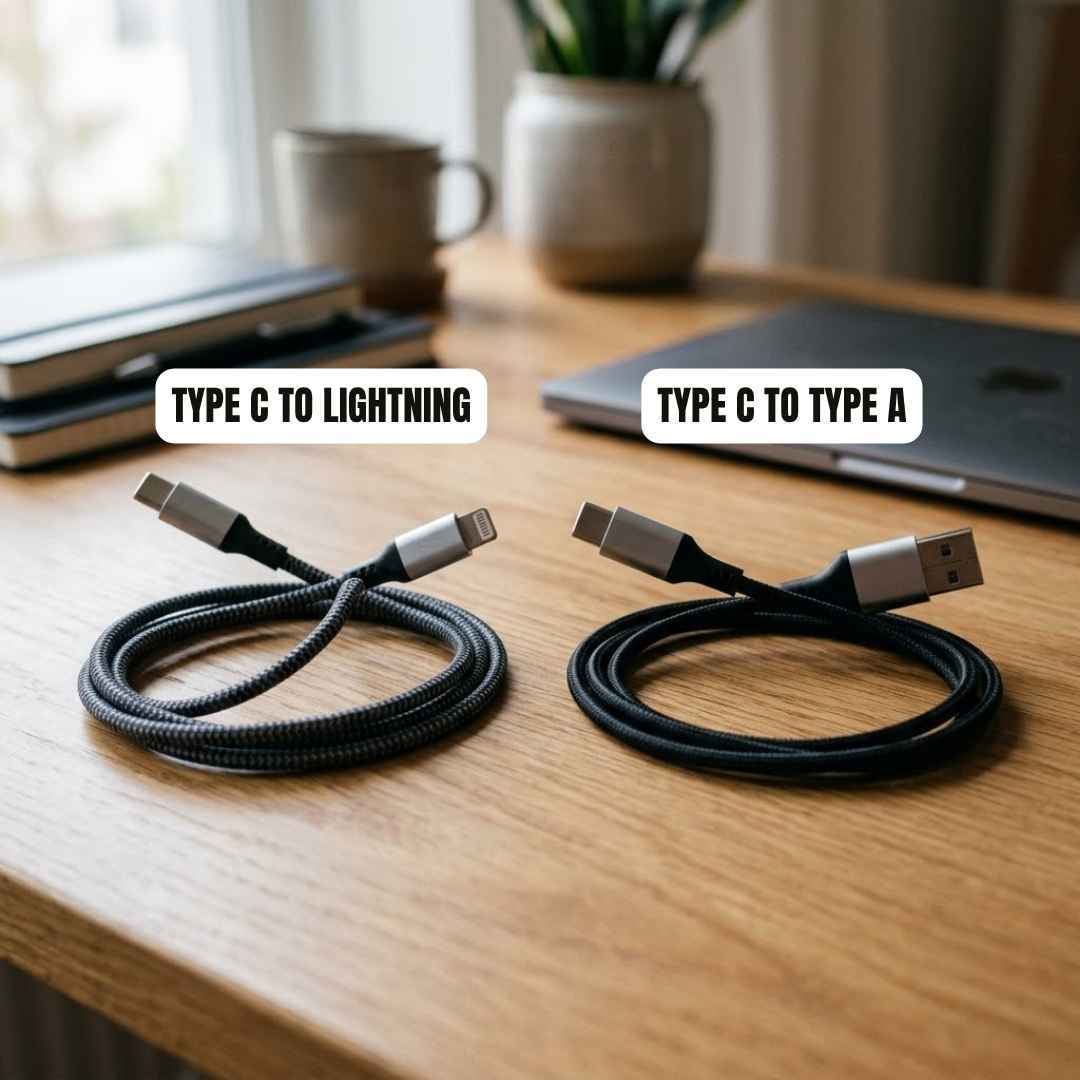
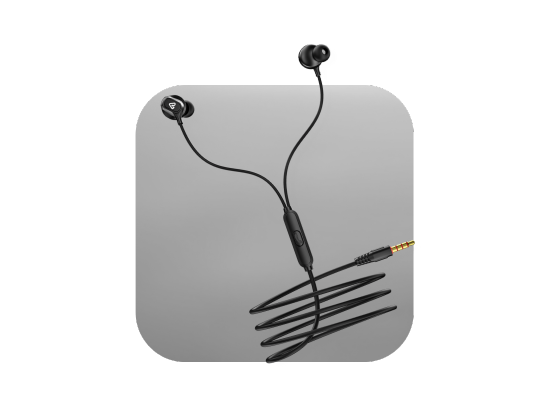






As smartphones, tablets, and laptops continue to evolve, many modern devices no longer include a traditional 3.5mm audio port. This shift has increased the need for audio accessories that can bridge the gap between newer devices and existing audio equipment.
One of the most practical solutions is a Type-C to AUX Cable. Whether you want to play music through your car stereo, connect to external speakers, or use wired headphones, this cable provides a simple and reliable audio connection.
Having worked with consumer electronics and accessory content for several years, one common question from users is whether a Type C connection can deliver audio through a standard AUX input. The answer is yes, provided the cable includes the correct audio conversion technology.
This guide explains what a Type C to AUX Cable is, how it works, its benefits, and the situations where it becomes an essential accessory.
What Is a Type C to AUX Cable?
A Type C to AUX Cable is an audio cable designed to connect devices with a USB Type C port to devices that use a 3.5mm AUX input.
One end of the cable features a USB Type C connector, while the other end includes a standard 3.5mm audio jack. This allows modern devices to transmit audio to traditional audio systems without requiring additional equipment.
The cable is commonly used with:
- Smartphones
- Tablets
- Laptops
- Car stereos
- Portable speakers
- Home audio systems
- Wired headphones
For users wondering what an AUX cable is, it is a standard audio cable that transfers sound between compatible devices through a 3.5mm audio connection.
How Does a Type C to AUX Cable Work?
Modern USB Type C devices primarily output digital audio signals. However, most AUX ports are designed to receive analog audio signals.
To bridge this difference, many Type C to AUX cables include a Digital to Analog Converter, commonly known as a DAC.
The Audio Conversion Process
- Audio is generated on the USB Type-C device.
- The digital signal is transmitted through the cable.
- The built-in DAC converts the digital signal into an analog signal.
- The analog signal is sent to the connected speaker, stereo, or headphone system.
This conversion process ensures clear and accurate sound reproduction while maintaining compatibility with traditional audio equipment.
Why Is a Built-In DAC Important?
The quality of the DAC plays a significant role in audio performance.
A quality DAC helps:
- Deliver clearer audio output
- Preserve sound details
- Reduce signal distortion
- Improve overall listening experience
- Maintain stable audio transmission
Without a DAC, many Type C devices may not output audio correctly through a standard AUX connection.
Common Uses of a Type C to AUX Cable
Connecting a Smartphone to a Car Stereo
One of the most popular applications is playing music through a vehicle audio system.
Many vehicles still rely on AUX input connections for audio playback. A Type C to AUX Cable makes it easy to stream music, podcasts, and navigation audio directly from a smartphone.
Using Wired Headphones
Many users still prefer wired headphones due to their reliability and audio quality.
A Type C to AUX Cable allows devices without a headphone jack to work with traditional wired headphones.
Connecting to External Speakers
Portable speakers and home entertainment systems often include AUX input ports.
The cable enables direct audio playback without depending on wireless connectivity.
Gaming and Multimedia
Gamers and media enthusiasts often use wired audio equipment for reduced latency and consistent sound quality.
A Type C to AUX Cable provides a stable connection for uninterrupted listening.
Benefits of Using a Type C to AUX Cable
Simple Plug-and-Play Connectivity
Most cables work immediately after connecting. No additional software or complicated setup is required.
Wide Device Compatibility
A quality cable supports a broad range of USB Type-C devices and audio equipment with an AUX input.
Reliable Audio Transmission
Unlike wireless audio solutions, a wired connection offers stable performance without signal interruptions.
Compact and Portable
The lightweight design makes it easy to carry in a pocket, backpack, or travel case.
Cost-Effective Audio Solution
Instead of replacing existing speakers or headphones, users can continue using their current equipment through a compatible cable.
Type C to AUX Cable vs USB to AUX Cable
Many users search for a USB to AUX cable when looking for audio connectivity solutions.
Although the terms are sometimes used interchangeably, there are differences depending on the connector type.
| Feature | Type C to AUX Cable | USB to AUX Cable |
| Connector Type | USB Type C | Standard USB |
| Audio Support | Commonly Supported | Device Dependent |
| Modern Device Compatibility | High | Limited |
| Audio Conversion | Usually Includes DAC | Varies |
For most current smartphones and tablets, a Type C to AUX Cable is the preferred option.
How to Choose the Right Type C to AUX Cable
Look for a Built-In DAC
This is one of the most important features for reliable audio compatibility.
Check Device Compatibility
Confirm that the cable supports your smartphone, tablet, or laptop before purchasing.
Evaluate Build Quality
Durable materials help improve cable lifespan and everyday reliability.
Consider Audio Performance
A well-designed cable should provide balanced sound quality without interference or distortion.
Verify Connector Quality
High-quality connectors help maintain stable audio transmission and reduce wear over time.
Common Issues and Solutions
No Sound Output
Check whether the connected device supports audio output through its USB Type C port.
Intermittent Audio
Inspect the cable and connectors for damage or loose connections.
Poor Sound Quality
Low-quality audio components can impact performance. Choosing a cable with a reliable DAC often improves results.
Compatibility Problems
Some devices have specific audio output requirements. Always verify compatibility before use.
Conclusion
A Type C to AUX Cable is a practical solution for connecting modern USB Type C devices to traditional audio systems. Whether you want to use wired headphones, connect to a car stereo, or play music through external speakers, the cable offers a simple and dependable audio experience.
The most important factor when selecting a cable is ensuring it includes a quality DAC for proper digital to analog audio conversion. Products such as the Tunez Nexus CB-80 Type C to 3.5 mm Audio Aux Cable with DAC are designed to support reliable audio transmission across compatible devices. Combined with good build quality and device compatibility, a dependable Type C to AUX Cable can extend the usefulness of your existing audio equipment while delivering consistent sound performance.
FAQs About Type C to AUX Cable
1. What is a Type C to AUX Cable used for?
A Type C to AUX Cable connects devices with a USB Type C port to audio equipment that uses a 3.5mm AUX input, such as speakers, headphones, and car stereos.
2. What is an AUX cable?
An AUX cable is a standard audio cable that transfers sound between compatible devices using a 3.5mm audio connection.
3. Does a Type C to AUX Cable need a DAC?
Yes. Most modern devices output digital audio, so a DAC is required to convert the signal into analog audio for AUX devices.
4. Can I connect my phone to a car stereo using a Type C to AUX Cable?
Yes. If the car stereo has an AUX input and the cable supports audio conversion, it can be used for music and audio playback.
5. Is audio quality affected when using a Type C to AUX Cable?
Audio quality depends largely on the DAC and cable quality. A well-designed cable can deliver clear and stable sound.
6. Can I use wired headphones with a Type C to AUX Cable?
Yes. The cable allows compatible wired headphones with a 3.5mm connector to work with USB Type-C devices.
7. Are all Type C to AUX Cables compatible with every device?
No. Compatibility may vary depending on device hardware and audio output support.
8. What is the difference between a Type C to AUX Cable and a USB to aux cable?
A Type C to AUX Cable uses a USB Type C connector, while a USB to AUX cable may refer to other USB formats. Compatibility depends on the device being used.
9. Does a Type C to AUX Cable support speakers?
Yes. It can connect compatible devices to portable speakers, home audio systems, and other equipment with an AUX input.
10. Is a wired AUX connection better than wireless audio?
A wired connection often provides more stable audio transmission with minimal latency and no wireless interference.