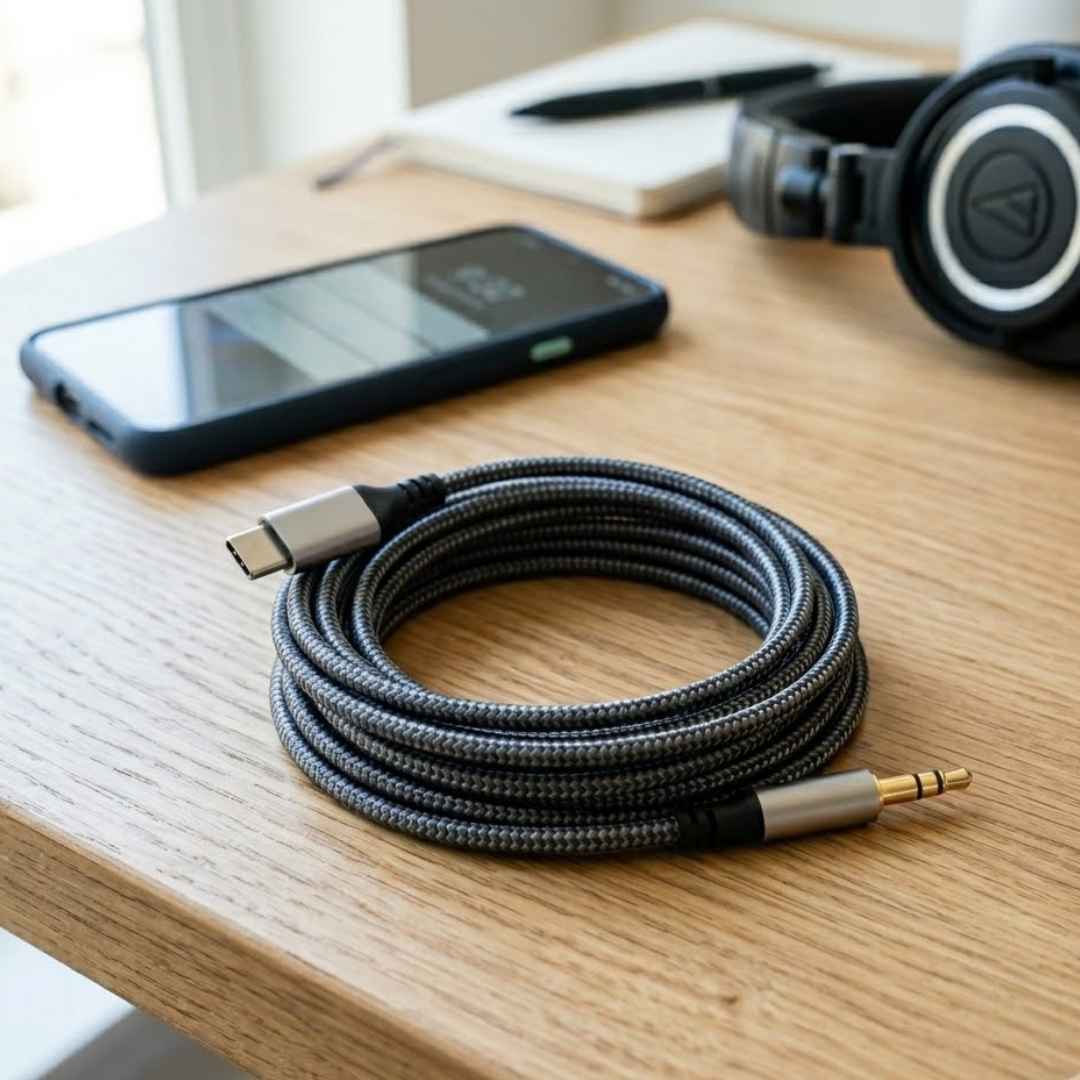






Choosing the right charging cable is no longer as simple as picking a connector that fits your device. With smartphones, tablets, laptops, power banks, and accessories using different charging standards, selecting the correct cable can directly impact charging speed, data transfer performance, and overall convenience.
Two of the most commonly searched cable types today are the Type-C to Lightning Cable and the Type-C to Type-A cable. While both serve important purposes, they are designed for different devices and use cases.
In this guide, we will explain the differences between these cable types, their advantages, limitations, and how to choose the right option based on your devices and charging requirements.
What Is a Type C to Lightning Cable?
A Type-C to Lightning Cable features a USB Type-C connector on one end and a Lightning connector on the other.
This cable is primarily designed for Apple devices that use the Lightning port, including:
- iPhone 14 and earlier models
- Older iPad models
- AirPods charging cases
- Apple accessories with Lightning connectivity
The USB C end connects to modern chargers, laptops, power banks, and charging adapters, while the Lightning end connects directly to compatible Apple devices.
One of the biggest advantages of a Type C to Lightning Cable is support for fast charging when paired with a compatible USB C power adapter. For users looking for reliable charging performance, products such as the Tunez Nexus DC5923 30W PD Type C to Lightning Cable are designed to support efficient power delivery and seamless compatibility with Lightning enabled Apple devices.
What Is a Type C to Type A Cable?
A Type-C to Type-A Cable includes a USB-C connector on one end and a traditional USB-A connector on the other.
It is commonly used to connect modern USB-C devices with older USB-A ports found on:
- Desktop computers
- Laptops
- Power banks
- Wall chargers
- Car chargers
This cable acts as a bridge between newer devices and legacy hardware, making it useful for users who still rely on older charging accessories.
Type C to Lightning Cable vs Type C to Type A Cable
Understanding the key differences between these cable types helps ensure you choose the right option for your needs.
Compatibility
Type C to Lightning Cable
Compatible with Apple devices that feature a Lightning port, including older iPhones, iPads, and Apple accessories.
Type C to Type A Cable
Compatible with USB-C smartphones, tablets, wireless earbuds, and accessories that need to connect to older USB-A ports.
Charging Speed
Charging performance is often the most important factor when choosing a cable.
Type C to Lightning Cable
Supports fast charging for compatible iPhones when used with a USB-C power adapter.
Many users can charge supported iPhone models up to 50 percent in approximately 30 minutes using a compatible charger.
Type C to Type A Cable
Charging speed depends on the USB-A power source. Most USB-A chargers provide lower power output compared to modern USB-C chargers.
As a result, charging speeds are generally slower.
Data Transfer Performance
Data transfer capabilities vary significantly between these cable types.
Type C to Lightning Cable
Typically supports USB 2.0 transfer speeds of up to 480 Mbps, making it suitable for:
- Photo transfers
- Music syncing
- Device backups
- Everyday file management
Type C to Type A Cable
Data transfer speed depends on the USB version supported by the connected device and port.
Performance can range from basic file transfers to faster data synchronisation depending on hardware compatibility.
Device Ecosystem
Type C to Lightning Cable
Best suited for users invested in Apple’s Lightning ecosystem.
Type C to Type A Cable
Ideal for users who own a mix of newer USB-C devices and older charging equipment.
Key Benefits of a Type C to Lightning Cable
Fast Charging Support
Designed to work with modern USB-C chargers for quicker charging performance on supported Apple devices.
Reliable Apple Compatibility
Provides seamless connectivity with Lightning-based iPhones, AirPods, and accessories.
Convenient Everyday Charging
Works with USB-C wall chargers, laptops, power banks, and car chargers.
Supports Data Synchronisation
Allows users to transfer files, create backups, and sync data between devices.
Key Benefits of a Type C to Type A Cable
Connects New Devices to Older Hardware
Enables compatibility between USB-C devices and legacy USB-A ports.
Widely Available
Compatible with millions of existing chargers and computers worldwide.
Cost-Effective Solution
Allows users to continue using existing USB-A charging accessories.
Useful for Travel
Provides flexibility when modern USB C chargers are not available.
Which Cable Is Better for Fast Charging?
If charging speed is your primary concern, the Type-C to Lightning cable generally offers better performance for compatible Apple devices when paired with a USB-C power adapter.
A type c to type a cable relies on the limitations of the USB A charging source, which often delivers lower power output.
For users seeking the fastest charging experience on supported iPhones, a Type-C to Lightning cable is typically the preferred choice.
Which Cable Offers Better Long-Term Value?
The answer depends on your device ecosystem.
If you own an iPhone 14 or earlier model, a Type-C to Lightning cable remains essential.
However, if you use newer smartphones, tablets, laptops, and accessories that feature USB-C ports, USB-C-based connectivity offers greater long-term flexibility.
As more manufacturers adopt USB-C as the standard charging interface, compatibility continues to expand across multiple device categories.
How to Choose the Right Cable
Before purchasing a cable, consider the following:
Check Your Device Port
Confirm whether your device uses Lightning, USB-C, or USB-A connectivity.
Verify Charging Requirements
Some devices require higher power delivery for fast charging.
Review Data Transfer Needs
If you frequently move large files, ensure your cable supports the required transfer speeds.
Choose Quality Certified Cables
High-quality certified cables provide safer charging, better durability, and improved device protection.
Conclusion
The choice between a Type-C to Lightning cable and a Type-C to Type-A cable ultimately depends on the devices you use and the charging experience you expect.
A Type-C to Lightning cable is the ideal solution for older Apple devices, offering reliable connectivity and fast charging support when paired with compatible USB C chargers.
A Type-C to Type-A cable is better suited for connecting modern USB-C devices to older chargers, laptops, and accessories that still rely on USB-A ports.
Understanding the differences in compatibility, charging speed, and functionality will help you choose the right cable for both current and future devices.
FAQs About Type C to Lightning Cable
1. What is a Type C to Lightning Cable used for?
A Type-C to Lightning Cable is used to charge and sync Lightning-enabled Apple devices such as older iPhones, AirPods, and certain iPads.
2. What is a Type C to Type A Cable?
A Type-C to Type-A Cable connects USB-C devices to traditional USB A ports found on older chargers, computers, and accessories.
3. Is a Type-C to Lightning cable faster than a Type-C to Type-A Cable?
For compatible iPhones, a Type-C to Lightning cable generally supports faster charging when paired with a USB-C power adapter.
4. Can I use a Type-C to Lightning Cable with Android devices?
No. Lightning connectors are designed specifically for compatible Apple devices.
5. Can a Type-C to Type-A cable charge a smartphone?
Yes. It can charge smartphones that have a USB C port when connected to a compatible USB A charger.
6. Which cable is better for older iPhones?
A Type-C to Lightning Cable is the recommended option for older iPhone models that use a Lightning port.
7. Does a Type-C to Type-A cable support data transfer?
Yes. It can support data transfer depending on the USB version supported by the connected devices.
8. Can I use a Type-C to Lightning Cable for fast charging?
Yes. Fast charging is supported when used with a compatible USB C power adapter and supported iPhone model.
9. Which cable is more future-ready?
USB-C-based connectivity is becoming the industry standard across smartphones, tablets, laptops, and accessories.
10. How do I know which cable I need?
Check the charging port on your device. Apple devices with Lightning ports require a Type-C to Lightning cable, while USB-C devices connecting to older USB-A accessories require a Type-C to Type-A cable.