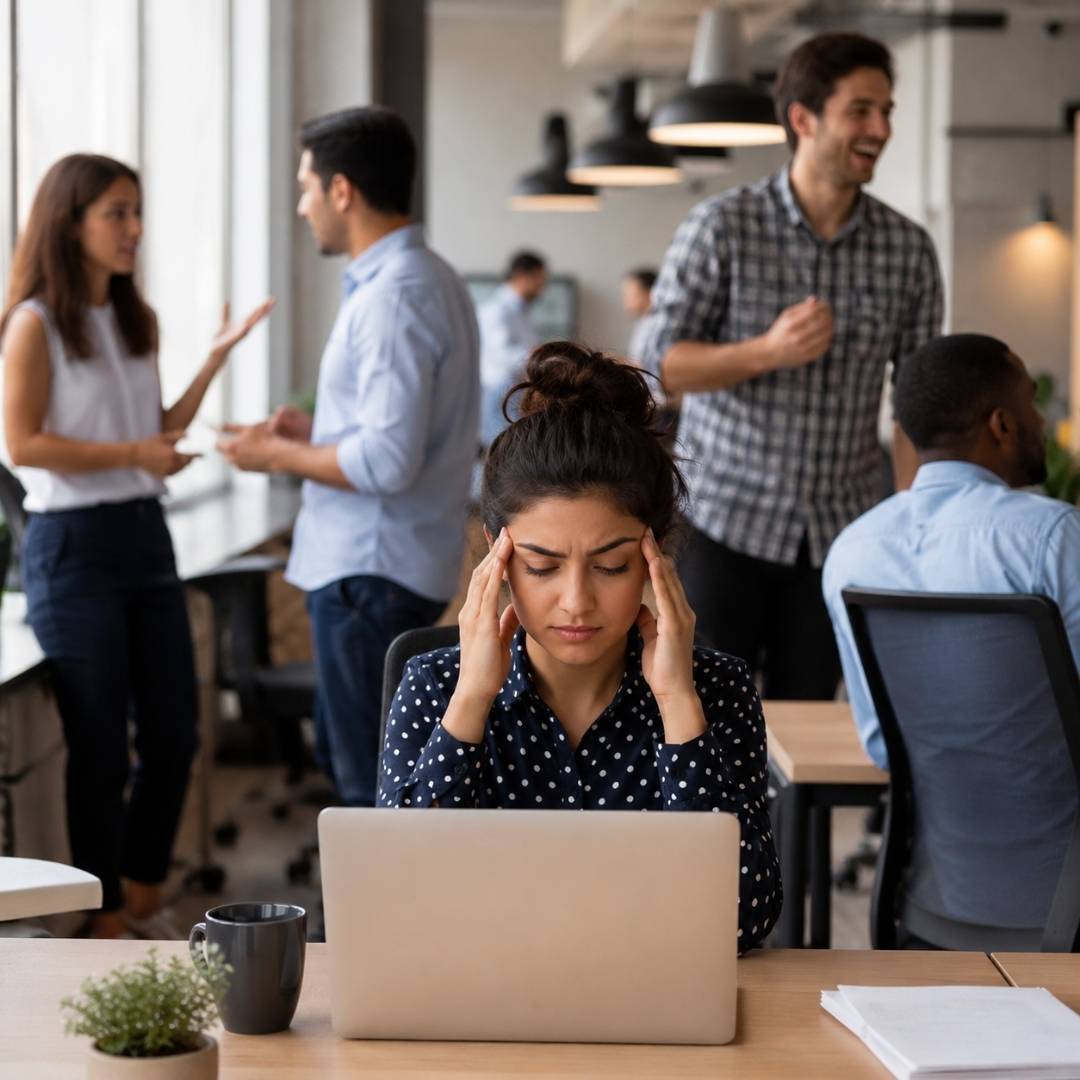
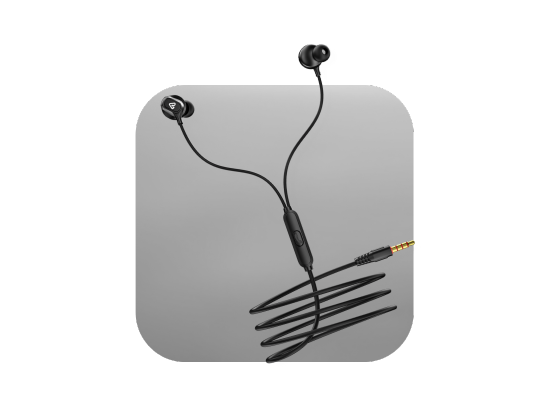
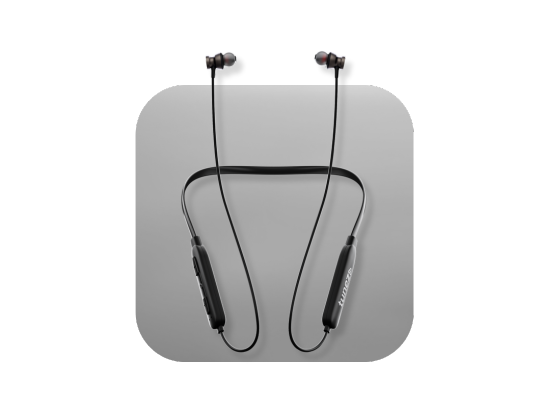



Wireless headphones offer the freedom to enjoy music, movies, gaming, and calls without the hassle of cables. However, frequent audio interruptions can quickly spoil the experience. Sudden sound dropouts, brief disconnections, or choppy playback are common problems that many users encounter while using Bluetooth headphones.
In most cases, these interruptions are caused by Bluetooth interference, low battery, physical obstacles, outdated software, or connection settings rather than a fault with the headphones themselves. The good news is that most of these issues can be resolved with a few simple troubleshooting steps.
In this guide, you will learn the most common reasons wireless headphones cut out and practical solutions to help you maintain a stable and uninterrupted listening experience.
Common Reasons Wireless Headphones Keep Cutting Out
Bluetooth Signal Interference
Bluetooth technology operates on the 2.4 GHz wireless frequency, which is shared by many everyday devices.
Common sources of interference include:
- Wi Fi routers
- Microwave ovens
- Wireless keyboards and mice
- Smart home devices
- Other Bluetooth devices
When too many devices use the same frequency, the Bluetooth signal becomes unstable, causing the audio to skip or disconnect.
How to Fix It
- Move away from crowded wireless environments.
- Switch your Wi Fi connection to the 5 GHz band if available.
- Keep unnecessary Bluetooth devices disconnected.
You Are Too Far From Your Device
Wireless headphones have a limited operating range. Most Bluetooth devices work best within 10 metres or about 30 feet under ideal conditions.
Walls, furniture, and other obstacles can reduce this range even further.
How to Fix It
- Keep your phone or laptop close to your headphones.
- Avoid leaving your device in another room.
- Maintain a clear path between your headphones and the connected device.
Physical Obstacles Are Blocking the Signal
Many people do not realise that even their own body can weaken a Bluetooth signal.
Keeping your phone inside a backpack or back pocket may interrupt the connection because Bluetooth signals struggle to pass through certain materials and physical barriers.
How to Fix It
- Keep your phone in a front pocket.
- Avoid placing the connected device inside bags or behind large objects.
Low Battery Can Affect Bluetooth Performance
As battery levels become very low, some devices reduce Bluetooth transmission power to conserve energy. This may result in frequent audio interruptions.
How to Fix It
- Charge your headphones before they become critically low.
- Keep your smartphone, tablet, or laptop sufficiently charged as well.
Outdated Software or Firmware
Both your headphones and your connected device rely on software to maintain a stable Bluetooth connection.
Older firmware versions may contain bugs that affect wireless performance.
How to Fix It
- Update your phone or computer operating system.
- Install the latest firmware using your headphone manufacturer's app.
- Restart both devices after updating.
Multiple Connected Devices
Many modern headphones support connecting to two devices at the same time. While convenient, this feature can sometimes create confusion when both devices attempt to play audio.
How to Fix It
- Disconnect devices you are not using.
- Disable multipoint connection if you do not need it.
- Reconnect only the primary device.
Bluetooth Pairing Problems
Corrupted pairing information may cause repeated disconnections.
How to Fix It
- Remove the headphones from your Bluetooth settings.
- Restart both devices.
- Pair them again from scratch.
This simple reset often resolves connection issues.
Older Bluetooth Hardware
Older headphones using previous Bluetooth versions may struggle in environments with many wireless signals.
Newer Bluetooth versions offer:
- Better stability
- Improved range
- Faster connections
- Lower power consumption
If your headphones are several years old, upgrading to a newer model may noticeably improve performance.
Hardware Damage
If none of the above solutions works, the issue could be hardware-related.
Possible causes include:
- Internal antenna damage
- Battery wear
- Moisture exposure
- Accidental drops
Testing your headphones with another phone can help determine whether the issue lies with the headphones or the original device.
Tips to Prevent Bluetooth Headphone Cutting Out
You can reduce connection problems by following these best practices.
- Keep your headphones updated.
- Stay within Bluetooth range.
- Charge devices regularly.
- Reduce nearby wireless interference.
- Disconnect unused paired devices.
- Restart devices occasionally.
- Store headphones safely to avoid physical damage.
Conclusion
If you have been asking why do my wireless headphones keep cutting out, the answer is usually simpler than you might think. In most situations, Bluetooth interference, distance, low battery, outdated software, or connection settings are responsible rather than defective headphones.
By keeping your devices updated, maintaining a stable Bluetooth connection, and following a few simple troubleshooting steps, you can significantly reduce Bluetooth headphone cutting out and enjoy smoother music, calls, and entertainment. If the problem continues even after trying these solutions, testing your headphones with another device or contacting the manufacturer may be the next best step.
FAQs About Headphones Cutting Out
1. Why do my wireless headphones keep cutting out?
The most common reasons are Bluetooth interference, low battery, outdated software, excessive distance, or multiple connected devices.
2. Why does my Bluetooth headphone keep cutting out while walking?
Your body, walls, or other obstacles may block the Bluetooth signal, especially if your phone is in a backpack or back pocket.
3. Can Wi Fi interfere with Bluetooth headphones?
Yes. Both Bluetooth and many Wi Fi networks use the 2.4 GHz frequency, which can sometimes cause signal interference.
4. Does a low battery affect Bluetooth performance?
Yes. Low battery levels can reduce Bluetooth signal strength and lead to unstable connections.
5. How far can Bluetooth headphones work reliably?
Most wireless headphones provide a stable connection within approximately 10 metres or 30 feet in open spaces.
6. Should I update my headphone firmware?
Yes. Firmware updates often improve Bluetooth stability, fix bugs, and enhance overall performance.
7. Can connecting two devices cause audio interruptions?
Yes. Multipoint connections may occasionally switch between devices, causing brief audio dropouts.
8. Why do my headphones work with one device but not another?
The issue may be related to the Bluetooth settings, software, or hardware of the connected device rather than the headphones themselves.
9. How do I reset my Bluetooth headphones?
Most headphones can be reset by following the manufacturer's instructions, then removing and pairing them again through your device's Bluetooth settings.
10. When should I replace my wireless headphones?
If your headphones continue cutting out after updating software, resetting connections, and testing with multiple devices, the hardware may be damaged, and replacement may be the best solution.