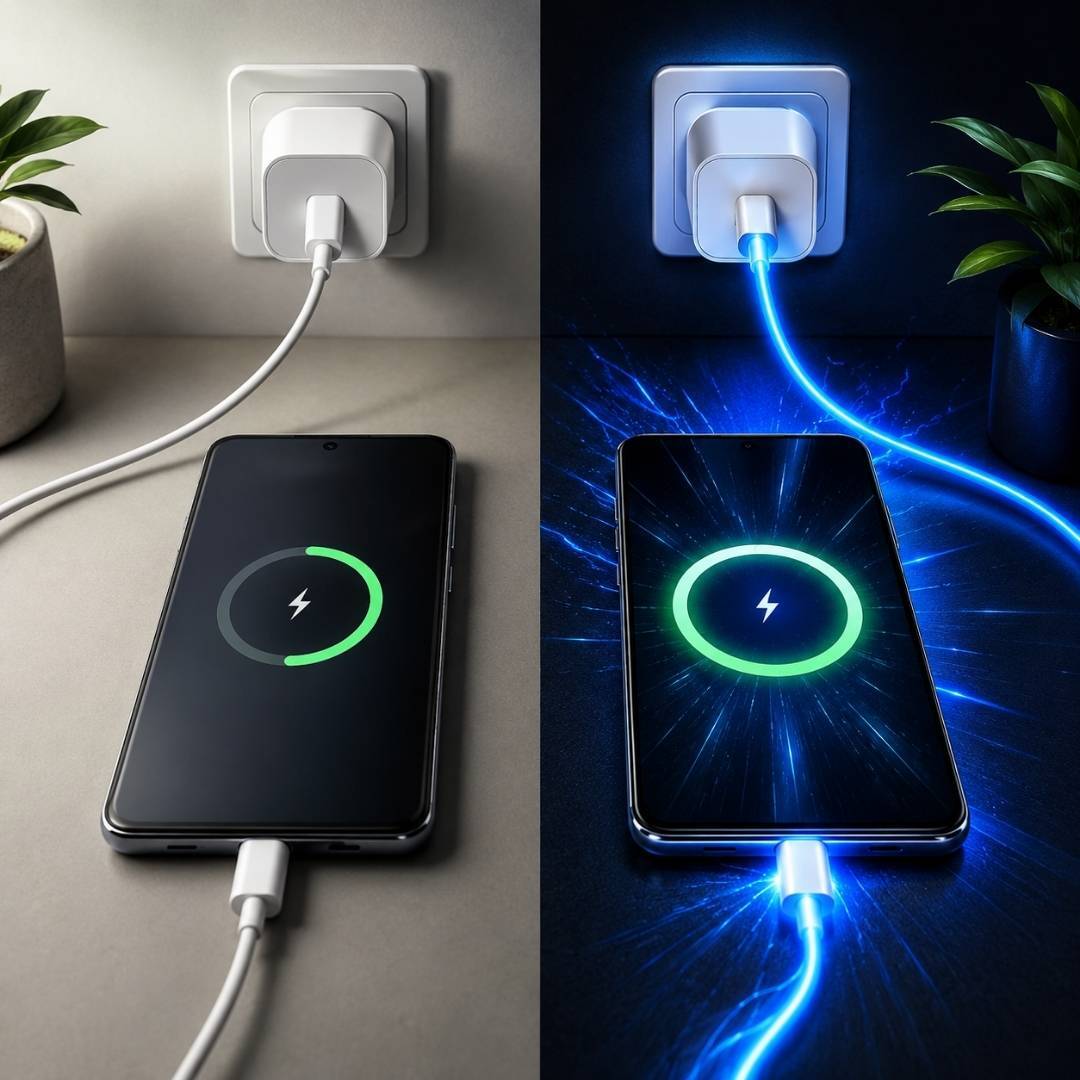









There’s nothing more frustrating than plugging in your phone and realizing it is not charging. Sometimes the issue is not the charger brick or the phone itself. The real culprit is often the charging cable hiding in plain sight.
A faulty cable can cause slow charging, random disconnections, overheating, or even damage your device over time. The good news is that you can easily identify the problem at home without special technical skills.
In this guide, you will learn practical ways to test your cable, spot warning signs, and understand when it is time for a replacement.
Why Charging Cables Stop Working
Charging cables go through daily wear and tear. They get bent inside bags, pulled from sockets, and twisted while charging overnight. Over time, the internal wires weaken even if the outside still looks fine.
Here are some common reasons cables fail:
- Frayed or broken internal wires
- Bent or damaged connectors
- Dust buildup near the charging tip
- Cheap, low-quality materials
- Overheating from unsupported fast charging
Many people assume the phone battery is the issue, but a damaged cable is often the first thing to check.
Simple Ways To Check If A Charging Cable Is Working
You do not need expensive tools to test a cable. Start with these quick methods before replacing anything.
Try The Swap Test
The easiest method is swapping the cable with another one you know works properly.
Use:
- The same phone
- The same charging adapter
- A different cable
If your device starts charging normally, the original cable is likely faulty.
This is one of the fastest ways to answer the question: how to check if a charging cable is working without technical equipment.
Inspect The Cable Carefully
Take a close look at the cable from end to end.
Watch for:
- Cracks near the connector
- Exposed wires
- Loose USB tips
- Sharp bends or flattened areas
Even tiny damage near the connector can interrupt power flow.
Check For Loose Connection
A working cable should fit tightly into the charging port. If the connector feels loose or disconnects easily, the cable may be worn out internally.
Sometimes users notice the phone only charges when the cable is held at a certain angle. That usually points to broken internal wiring.
Perform The Wiggle Test
Plug the cable into your phone and gently move it near the connector.
If:
- Charging repeatedly connects and disconnects
- The charging icon flickers
- Fast charging turns on and off
Then the cable is likely damaged inside.
This method is commonly used to identify hidden cable faults that are not visible externally.
Shop data cables for high speed transfer long lasting durability and consistent charging performance to keep your devices running efficiently.
How To Test a Charging Cable With A Computer
A computer can help you test both charging and data transfer.
Connect your phone to a laptop or desktop using the cable. If the computer recognizes your device or allows file transfer, the cable’s data lines are still working.
If:
- Charging does not start
- The device disconnects repeatedly
- File transfer fails
The cable may be partially damaged.
This is especially useful for checking USB data cable testing functionality.
Use A USB Tester For Accurate Results
If you want more detailed results, use a USB meter or tester.
These tools measure:
- Voltage
- Current flow
- Charging speed
A healthy cable should deliver stable power without sudden drops.
This method is useful when diagnosing slow charging cable issues or inconsistent fast charging performance.
Check The Charging Port Too
Sometimes the cable is not the actual problem.
Pocket lint and dust inside the charging port can block proper contact between the cable and device. Many users replace cables unnecessarily when a simple cleaning would solve the issue.
How To Clean The Port Safely
Follow these steps carefully:
- Turn off the device
- Use a wooden toothpick or soft brush
- Gently remove dust and lint
- Avoid metal objects completely
Once cleaned, reconnect the cable and test charging again.
Signs Your Charging Cable Needs Replacement
A damaged cable often gives warning signs before failing completely.
Replace the cable if you notice:
- Charging stops randomly
- The cable gets unusually hot
- The charging speed becomes very slow
- The outer layer is torn
- The connector bends easily
- The phone charges only at certain angles
Using damaged cables for too long can harm both your charger and phone battery.
Why Cheap Charging Cables Cause Problems
Not all cables are built equally. Many low quality cables cannot handle modern fast charging requirements.
Cheap cables may:
- Deliver unstable power
- Heat excessively
- Damage charging ports
- Support charging but not data transfer
Always choose certified cables from trusted brands for better safety and durability.
This is especially important for fast charging cable compatibility with modern smartphones.
Can Software Issues Affect Charging?
Yes, sometimes the cable works perfectly, but the phone software creates charging problems.
Try these fixes:
- Restart the device
- Update phone software
- Turn off battery-intensive apps
- Test charging in safe mode
Software glitches can occasionally prevent the device from recognizing the charger correctly.
How To Make Charging Cables Last Longer
A few simple habits can extend cable life significantly.
Avoid Sharp Bending
Never fold the cable tightly near the connector. This is where most internal wire damage happens.
Unplug Carefully
Pulling the cable itself instead of the connector weakens the internal joints over time.
Keep Cables Away From Heat
Excessive heat damages insulation and reduces charging efficiency.
Use The Right Adapter
Using unsupported adapters can overload cables and shorten their lifespan.
Conclusion
Knowing how to check if a charging cable is working can save you time, money, and frustration. In many cases, simple tests like swapping cables, checking for physical damage, or testing with a computer quickly reveal the problem.
If your cable shows signs of overheating, loose connectors, or inconsistent charging, replacing it is usually the safest option. Investing in a reliable charging cable not only improves charging speed but also protects your device's battery in the long run.
Shop mobile chargers offering fast performance compact design and durable quality so you never have to worry about low battery again.