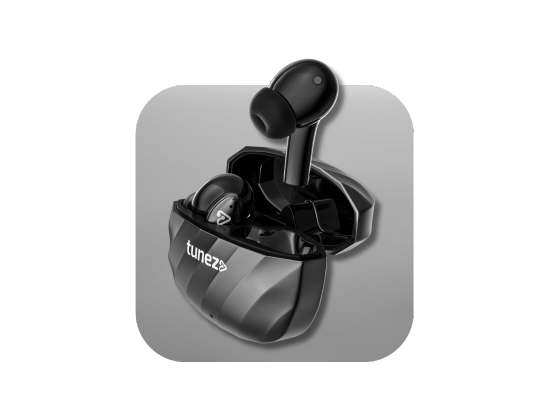





Ever been ready to enjoy your music, only to find your earbuds acting stubborn—refusing to pair, playing sound from only one side, or freezing altogether? It happens more often than you think. The good news is that most of these issues can be fixed in minutes with a simple reset.
Whether you are using true wireless earbuds, neckband, or over-ear styles, this guide will walk you through how to reset earbuds easily. No tools, no technical knowledge—just quick steps that restore your earbuds to smooth performance.
Why You Might Need To Reset Your Earbuds
A reset is like giving your earbuds a fresh start. It clears temporary glitches that build up over time. You may need a reset if you face:
- Frequent Bluetooth disconnects
- Audio imbalance between the left and right earbuds
- Unresponsive touch controls
- The earbuds are not pairing together
- Wrong device auto-connecting
- Charging or fast battery drain issues, which can sometimes be resolved by checking proper charging wireless earbuds practices.
If any of these situations sound familiar, a reset is the fastest fix.
What You Need Before Resetting Earbuds
You don’t need tools or special apps. Just ensure:
- Your earbuds have at least some charge
- They are removed from your phone’s paired device list
- Bluetooth is turned off on your phone for a moment
Then you are ready to begin.
How To Reset Earbuds (Universal Method)
While each brand may have its own style, most earbuds follow a standard resetting process. Here’s a simple step-by-step method you can use for many models.
1. Forget The Earbuds From Your Phone
- Go to Bluetooth settings
- Tap on your earbuds' name
- Select Forget or Remove
2. Reset The Earbuds
- Place them in the charging case
- Press and hold both touch areas or buttons for 10–15 seconds
- Wait for an LED flash or reset tone
3. Re-Pair The Earbuds
- Take the earbuds out of the case
- Enable Bluetooth on your phone
- Select the earbuds from the list
How To Reset Earbuds With Different Button Types
Not all earbuds have buttons in the same place. Here’s how to reset based on the design.
Resetting Earbuds With Buttons On The Case
If the reset button is on the charging case:
- Put both earbuds in the open case
- Press and hold the case button for 10 seconds
- Wait until the LEDs blink three times
- Reconnect the earbuds to your phone
This works for many models with case-based controls.
Resetting Earbuds With Buttons On The Earbuds
If the controls are on the earbuds:
- Remove both earbuds from the case
- Press and hold the button or touch area for 10+ seconds
- Wait for the lights to change color or flash
- Place them back into the case for 5 seconds
- Pair again with your device
How To Reset Earbuds Without Buttons
Many modern earbuds ditch physical buttons completely. Here’s what to do.
1. Using The Charging Case
- Place the earbuds inside
- Keep them unopened for 1–2 minutes
-
Open the lid agai
Some models auto-reset during this cycle.
2. Using Touch Controls
- Wear both earbuds
- Touch and hold both sensors for 10–15 seconds
- Wait for an audio cue or blinking LED
3. Using The Brand App
- Open the app → Settings → Reset or Factory Reset
4. Using A Power Cycle
- Drain the earbuds fully
-
Charge them completely
This refreshes internal software for many wireless models.
How To Reset Different Types Of Earbuds
Every style has its own approach. Here’s how to handle each.
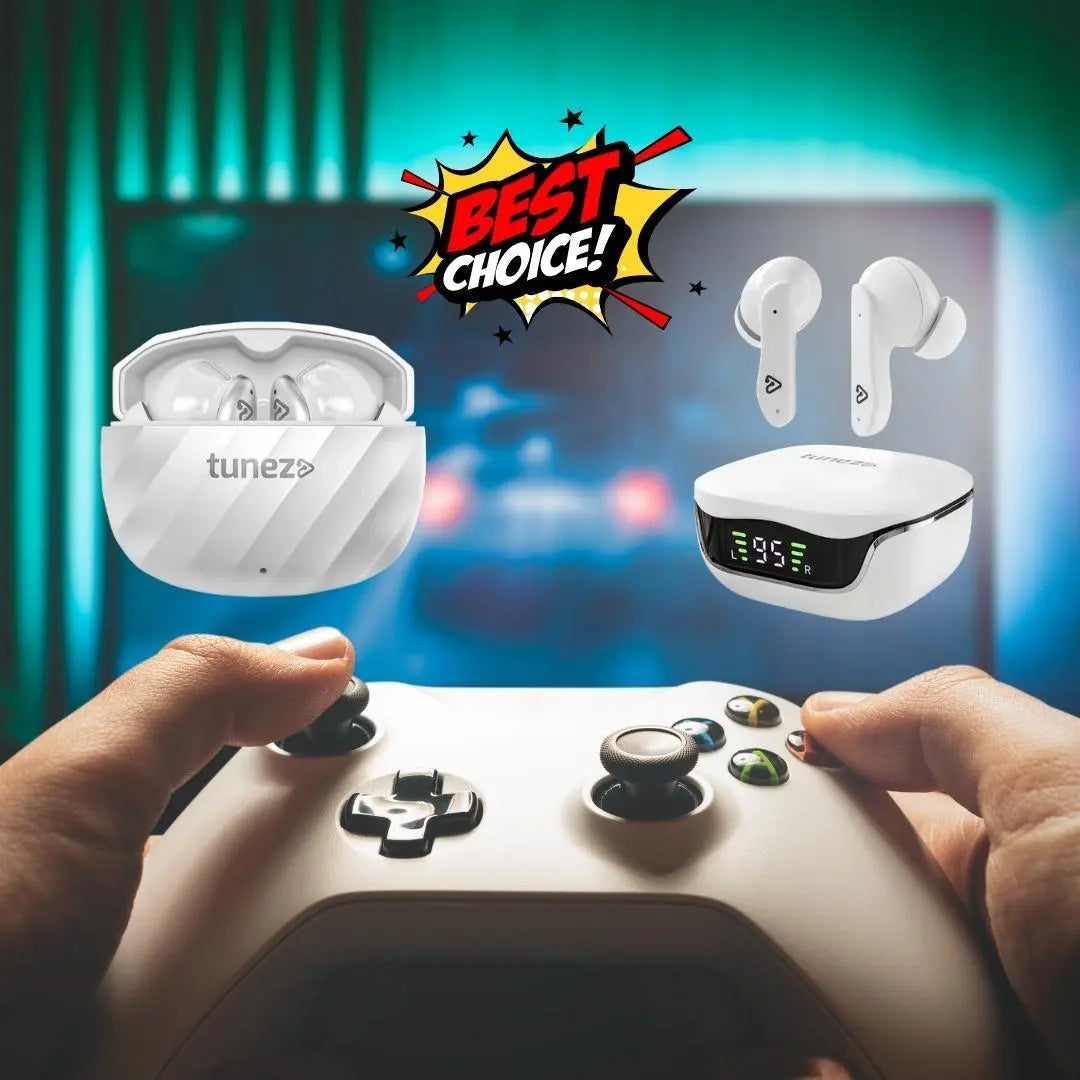
Reset True Wireless Earbuds
- Locate the main button or touch area
- Hold it for 10–15 seconds
- Wait for the LED to flash
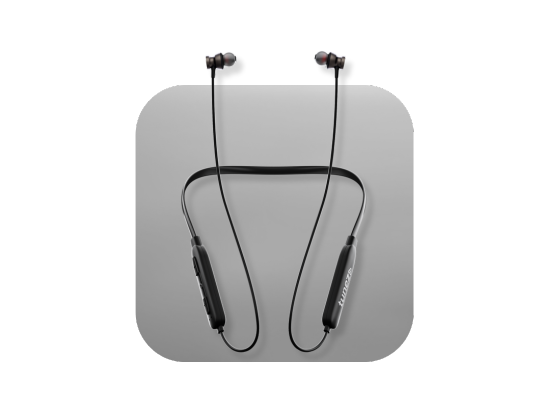
Reset Wireless Neckband Earbuds
- Turn the neckband off
- Hold the power button (or volume + and –) for 10–15 seconds
- Look for flashing LED
- Re-pair with your device
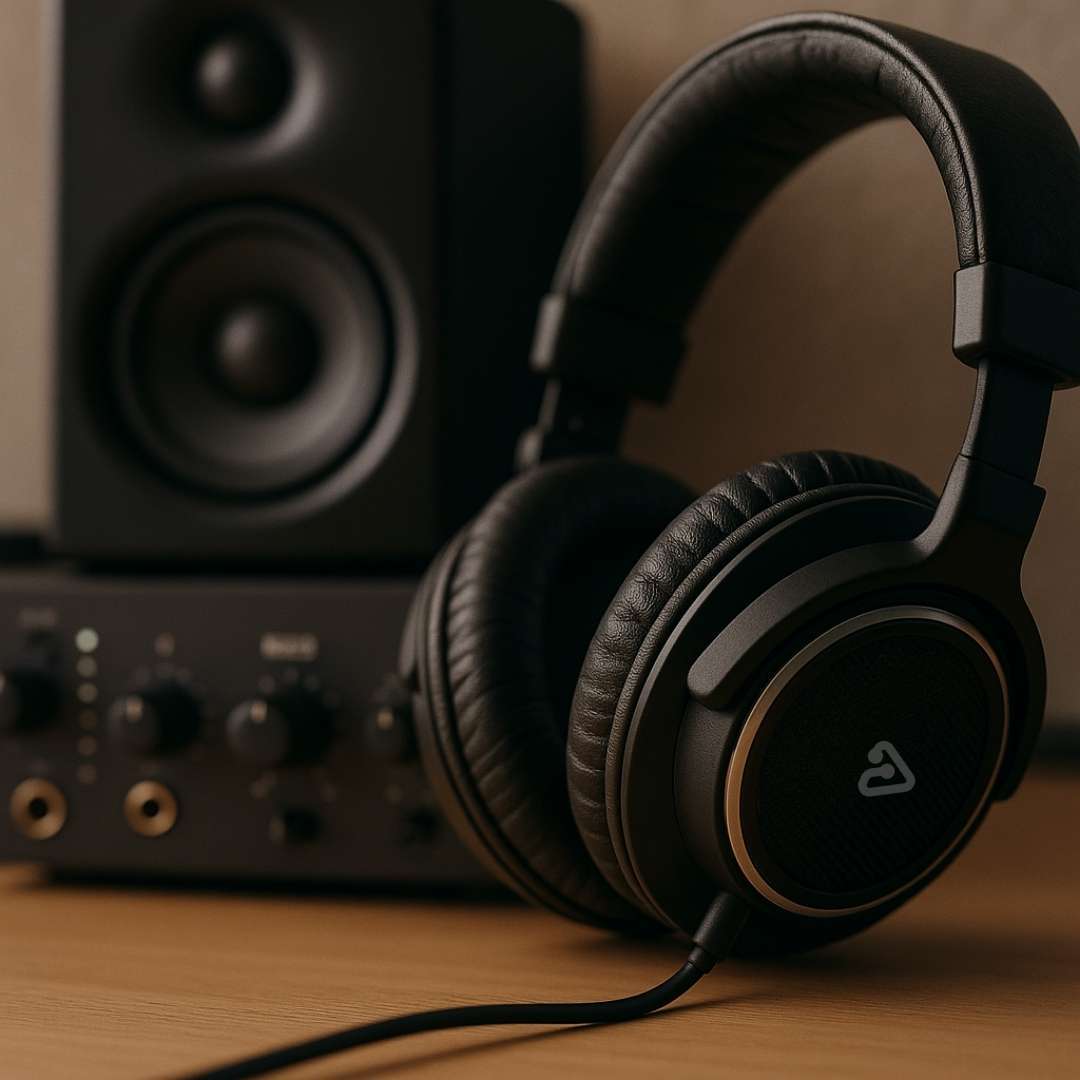
Reset Over-Ear Wireless Earbuds
- Turn off the earbuds
- Press and hold the power/pair button for 15–30 seconds
- Remove previous Bluetooth connections
- Pair them again
Over-ear models often require longer press times.
How To Reset Earbuds From Popular Brands
Here is a quick, simplified reference:
- Apple AirPods → Reset using the case button (15 seconds)
- Samsung Galaxy Buds → Use Galaxy Wearable app to factory reset
- JBL → Double-tap + hold on right earbud
- Bose → Use the Bluetooth button inside the case
- Soundcore → Use the reset function on the case display
Always check your model’s manual for the most accurate steps.
Conclusion
Resetting your earbuds is one of the easiest and fastest ways to solve problems like pairing errors, sound imbalance, and unresponsive controls. With the right steps, you can bring any pair—whether TWS, neckband, or over-ear—back to smooth performance in minutes.
Whenever your earbuds act up, try a reset before assuming they are damaged. Most of the time, a quick reset is all it takes to get the music flowing again.
Shop Bluetooth speakers with powerful bass crystal clear vocals and portable designs that keep your music alive whether indoors or outdoors all day long.