





USB ports are something we use every day, yet many people are unsure what the different types actually mean. If you have ever looked at a cable and wondered why one end fits your laptop while the other fits a printer, you are not alone. That confusion usually comes down to understanding what USB Type A and B are.
In this blog, we will break it down in a simple, real-world way. You will learn how these connectors differ, where they are used, and why newer standards are slowly replacing them.
Understanding USB Connectors Basics
USB stands for Universal Serial Bus. It is a standard designed to transfer data and power between devices using a single cable.
Over the years, USB has evolved in both speed and design. While versions like USB 2.0 or USB 3.0 define performance, connector types like A and B define physical shape and usage.
What is USB Type A?
USB Type A is the most familiar USB connector. It is the flat, rectangular plug most people instantly recognize.
This connector is usually found on host devices, meaning devices that supply power or control data flow.
Common places you will find USB Type A include:
- Desktop computers and laptops
- Smart TVs and media players
- Game consoles and chargers
USB Type A plugs are not reversible, so they only fit one way.
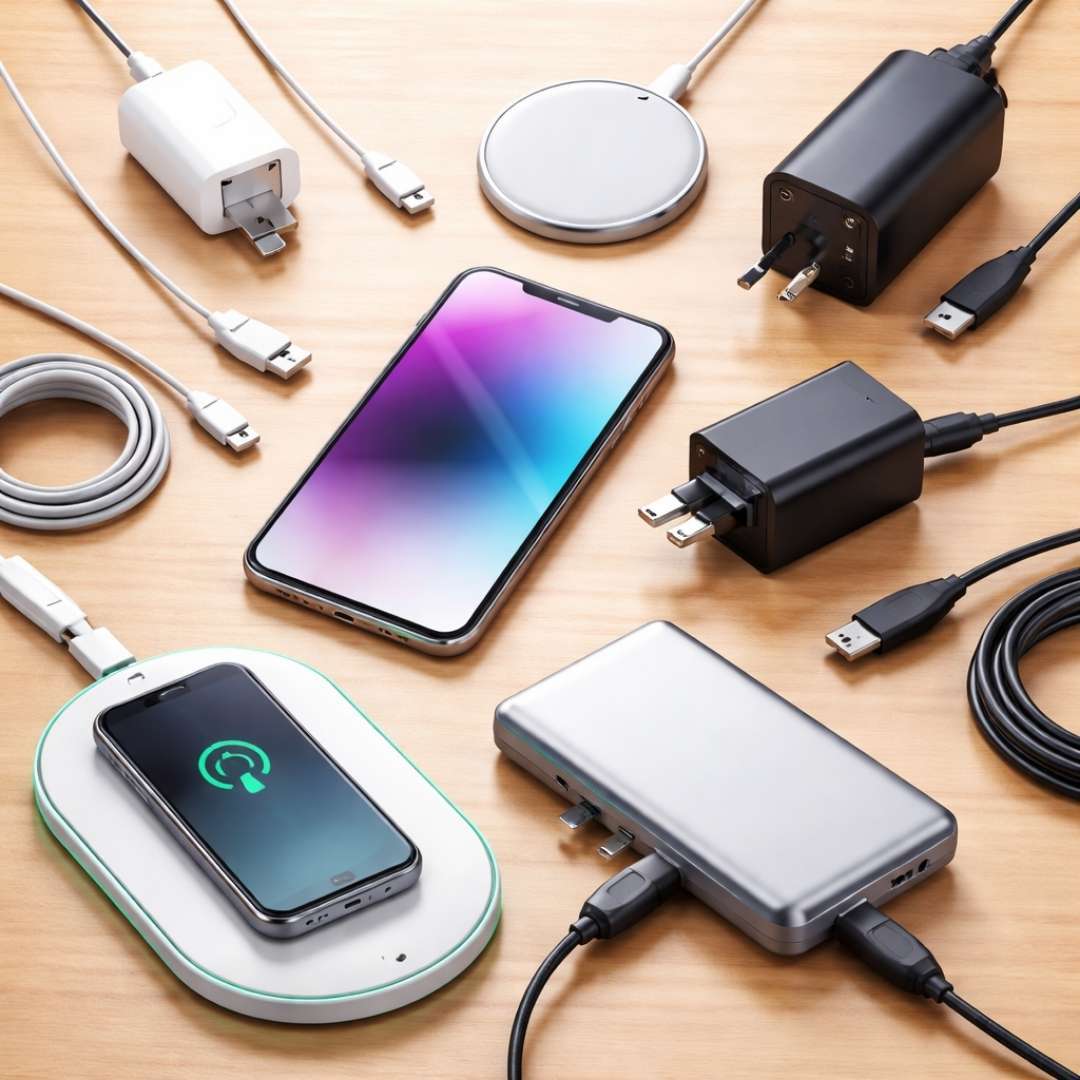
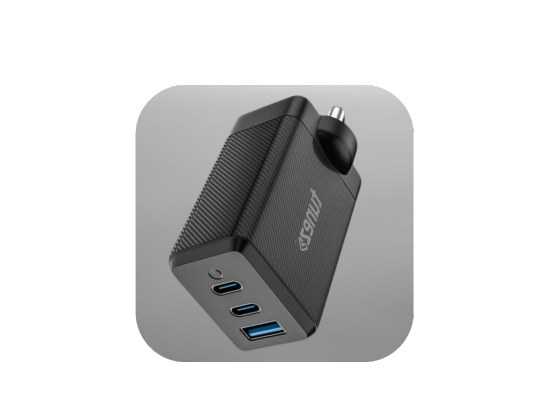
Buy mobile chargers that deliver fast charging superior quality and compact designs making them perfect companions for all your charging needs.
What is USB Type B?
USB Type B looks different and serves a different purpose. It has a more square shape with slightly beveled top corners.
This connector is typically used on peripheral devices, which receive power or data from a host.
You will often see USB Type B on:
- Printers and scanners
- Audio interfaces
- Older external hard drives
The design helps prevent users from connecting two host devices together.
Difference Between USB A and B
The easiest way to understand the difference between USB A and USB B is by looking at their roles and shapes.
USB Type A is designed for host devices, while USB Type B is meant for peripherals. This physical separation reduces connection errors and improves safety.
Here is a quick comparison:
- Shape: Type A is flat and rectangular, Type B is squarish
- Role: Type A acts as the host, Type B as the device
- Usage: Type A on computers, Type B on printers and peripherals
Both types can support the same USB versions, but their form defines how they are used.
Shop data cables that deliver fast charging secure data transfer and durable design making them the perfect choice for daily device connectivity.
USB Type A and Type B in Daily Use
In most traditional USB cables, one end is Type A, and the other is Type B. This setup ensures power flows correctly from host to device.
For example, when you connect a printer to a computer, the computer uses USB Type A and the printer uses USB Type B.
This design became the standard for years and helped reduce confusion in early USB adoption.
Mini and Micro Versions of USB A and B
As devices became smaller, full-sized connectors were no longer practical. This led to the creation of Mini and Micro USB connectors.
These were commonly used in:
- Digital cameras
- Older smartphones
- MP3 players and accessories
While functional, these connectors were fragile and still not reversible, which caused wear over time.
Shop power banks designed for fast charging long battery life and portability ensuring your devices stay powered during work travel or daily use.
Why USB-C is Replacing USB Type A and B?
USB-C was introduced to solve many of the limitations of older USB connectors. It is smaller, faster, and fully reversible.
Unlike USB Type A and B, USB-C can handle:
- Higher data transfer speeds
- Faster charging and higher power delivery
- Audio and video output through one cable
This versatility makes USB-C the preferred standard for modern devices.
Should You Still Use USB Type A and B?
Despite the rise of USB-C, USB Type A and B are still widely used. Many printers, accessories, and older devices depend on them.
If you use legacy hardware or office equipment, these connectors remain essential. Adapters and hybrid cables also make it easy to connect old and new devices together.
Conclusion
Understanding what USB Type A and B are helps you make better choices when buying cables, devices, or accessories. USB Type A acts as the host connector, while USB Type B is designed for peripherals, creating a clear and safe connection system.
While USB-C is shaping the future, USB Type A and B continue to power millions of devices worldwide. Knowing how and where they are used ensures you always pick the right cable for the job.
Shop Bluetooth speakers with powerful bass crystal clear vocals and portable designs that keep your music alive whether indoors or outdoors all day long.